
Lighter, Smoother, Editable: We Rebuilt How FurniMesh Models Work in SketchUp
By AirisJus · Published
We rebuilt our SketchUp export pipeline: ~76% fewer polygons, ~70% smaller .skp files, and edge-smoothed surfaces that open clean and editable in SketchUp 2017+, Blender, and other 3D apps.

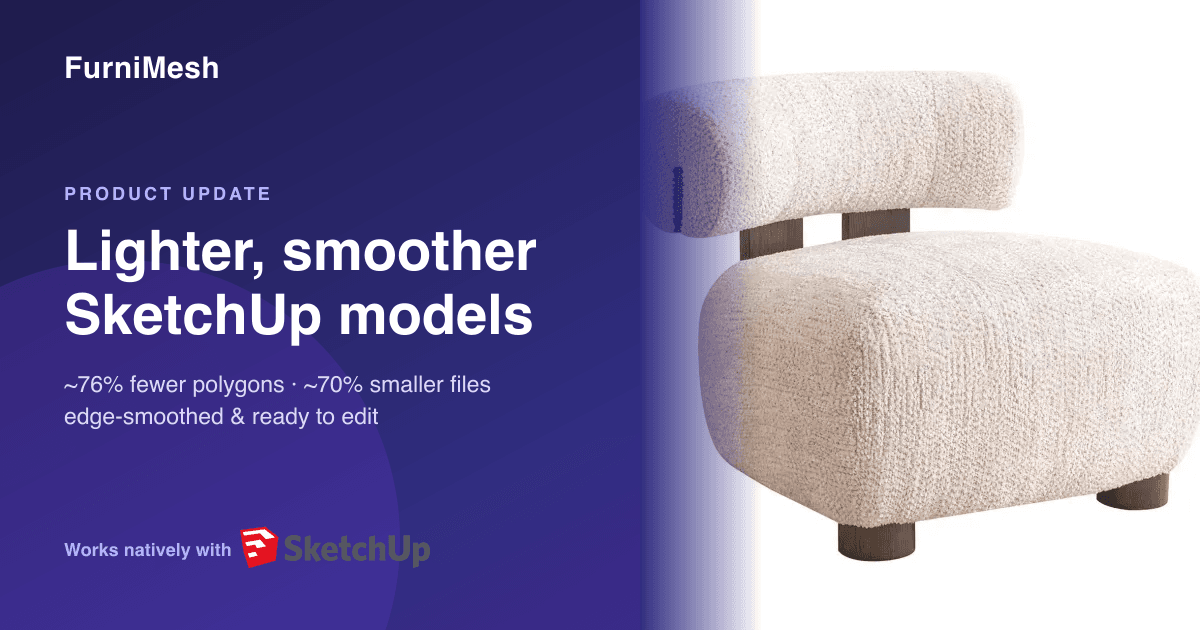
If you've ever opened one of our .skp files in SketchUp and watched your viewport crawl, this update is for you.
You told us — directly, in cancellation notes and support emails — that the models looked great in a viewer but were painful to actually work with: hundreds of thousands of triangles, a faceted wireframe you couldn't cleanly select, files so heavy they slowed SketchUp to a stop. So we rebuilt the entire SketchUp export pipeline from the mesh up.
Want to see it on your own model first?
Already have a GLB? Drop it into our free converter and download a ready-to-use, optimized .skp in seconds — no signup needed. It's the fastest way to feel the difference before you generate anything.
Here's what changed, and what it means for your workflow.
~76% fewer polygons — without losing the shape
Our AI generates extremely detailed meshes — often ~290,000 triangles for a single chair. Beautiful for a render; brutal for modeling. We added an intelligent, UV-aware optimization pass that reduces the editable exports to a clean polygon budget (~70,000 triangles) while preserving the silhouette, proportions, and texture mapping. No smeared textures, no collapsed details — just a model your computer can actually handle.
Edge smoothing — models import as surfaces, not triangle soup
The bigger fix. Previously every triangle edge came through as a hard, visible line, so a model imported as an un-editable web of facets. Now we soften and smooth the geometry on export, so models open in SketchUp as clean, continuous surfaces you can select, group, and edit — the way a SketchUp model is supposed to behave.
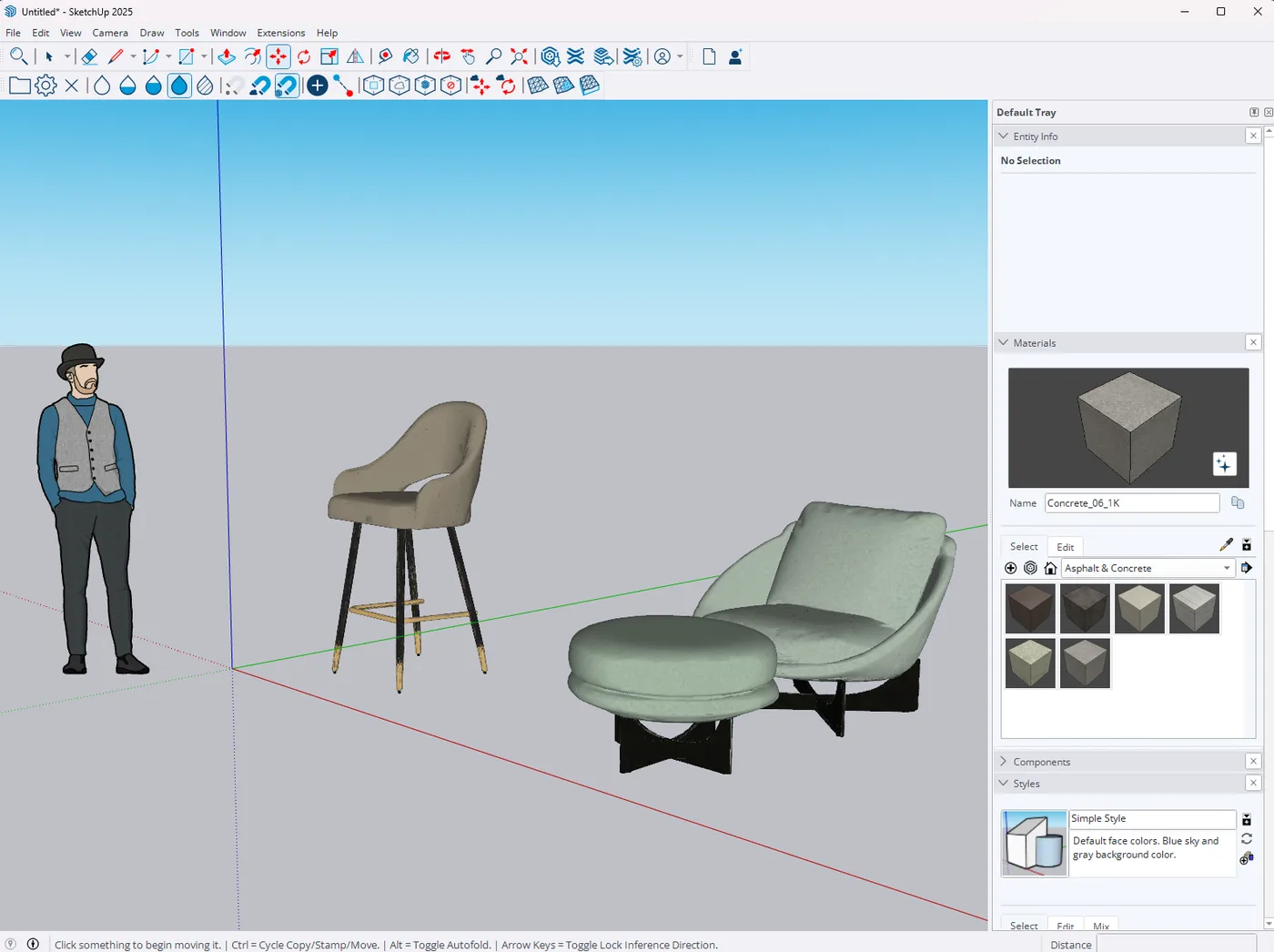
~70% smaller .skp files
Lighter geometry plus optimized textures means dramatically smaller downloads. Two real examples from our SketchUp showcase:
| Model | Before (.skp) | After (.skp) | Reduction |
|---|---|---|---|
| Armchair | 47.7 MB · 292K polys | 15.4 MB · 70K polys | −68% size · −76% polys |
| Modern Chair | 41.6 MB · 293K polys | 12.4 MB · 70K polys | −70% size · −76% polys |
See for yourself
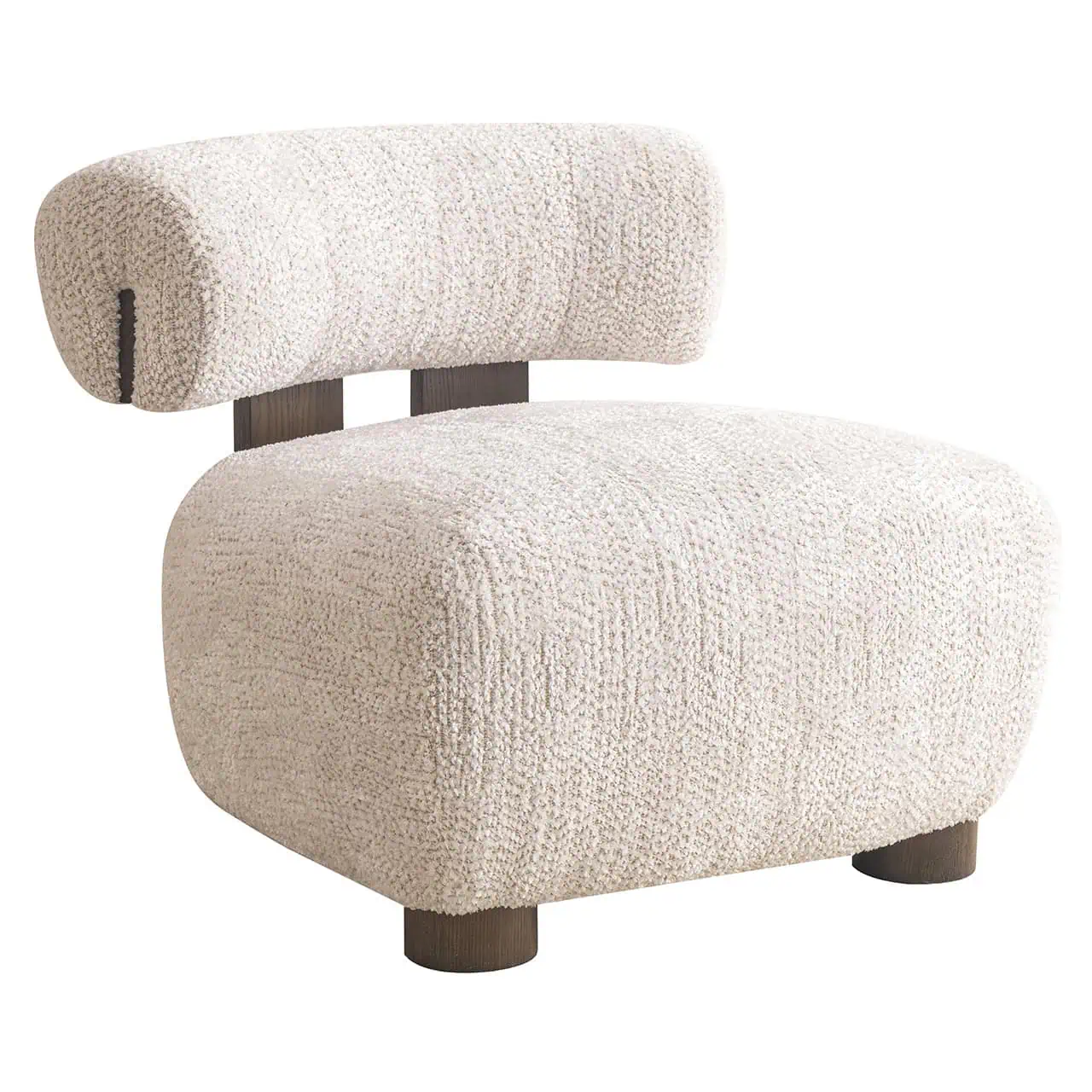
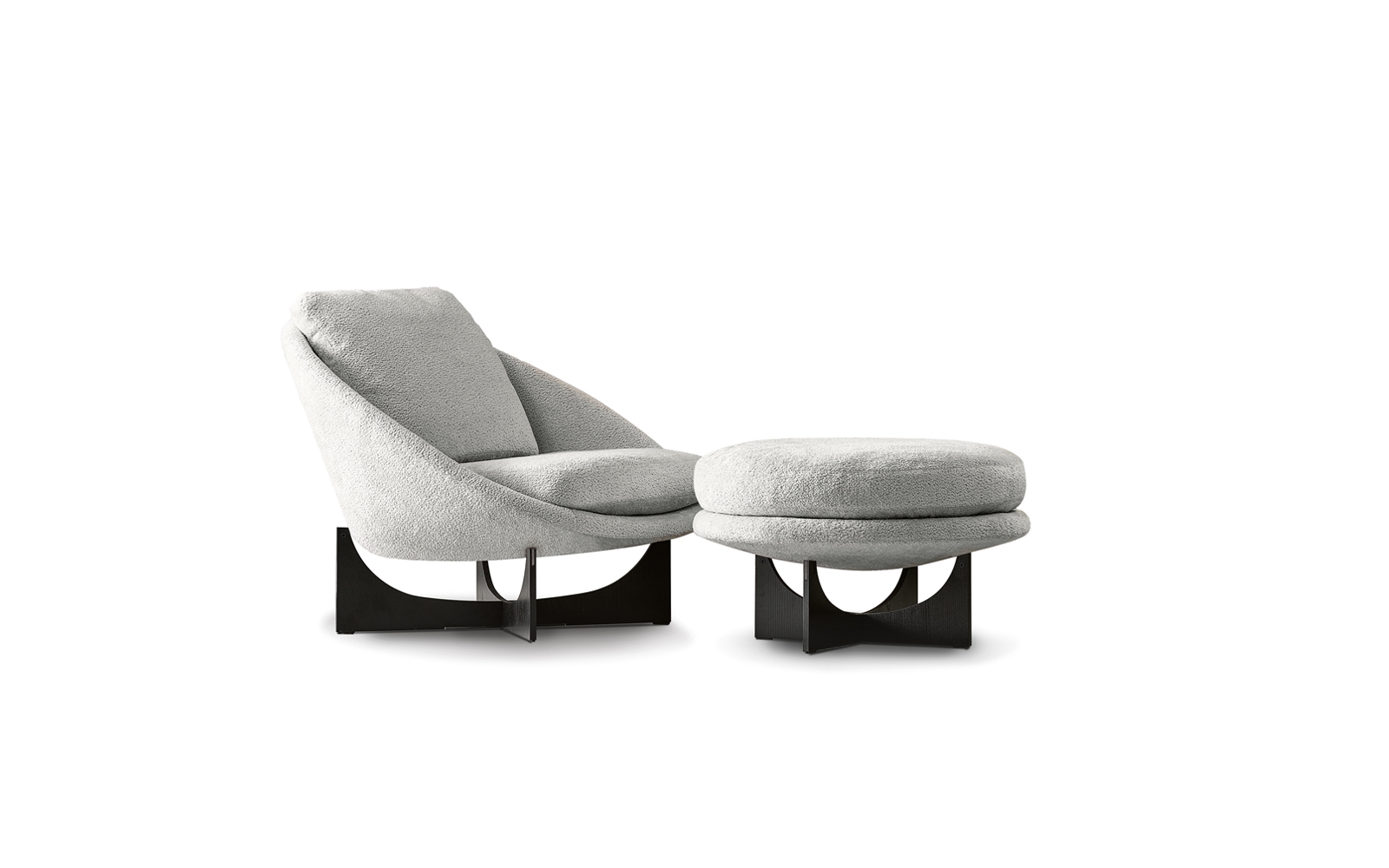
These are real, unedited outputs. Spin them, then download the .skp (or GLB / OBJ / BLEND) and drop them straight into your scene.
See a dozen more before/after SketchUp examples
Armchairs, sofas, stools, tables — all generated from a single photo, all free to download and inspect.
Optimized where you edit — full quality where you render
A deliberate design choice worth being clear about: these optimizations apply to the formats you open and edit — SketchUp (.skp), Blender (.blend), and OBJ. All three are now dramatically lighter and cleaner to work with.
Your GLB stays full-resolution on purpose. It's the high-fidelity master we use for the in-browser 3D viewer, AR, and photoreal renders — where every polygon counts and file size matters far less. So you get the best of both worlds: a pristine, detailed GLB for visualization, and lightweight, editable .skp / .blend / .obj exports for real modeling work.
A growing, hand-curated 3D library
Alongside the converter work, our public 3D model library is expanding. We're adding a few hundred new models every day — each one hand-curated by our team, not dumped in bulk — so the collection stays genuinely useful.
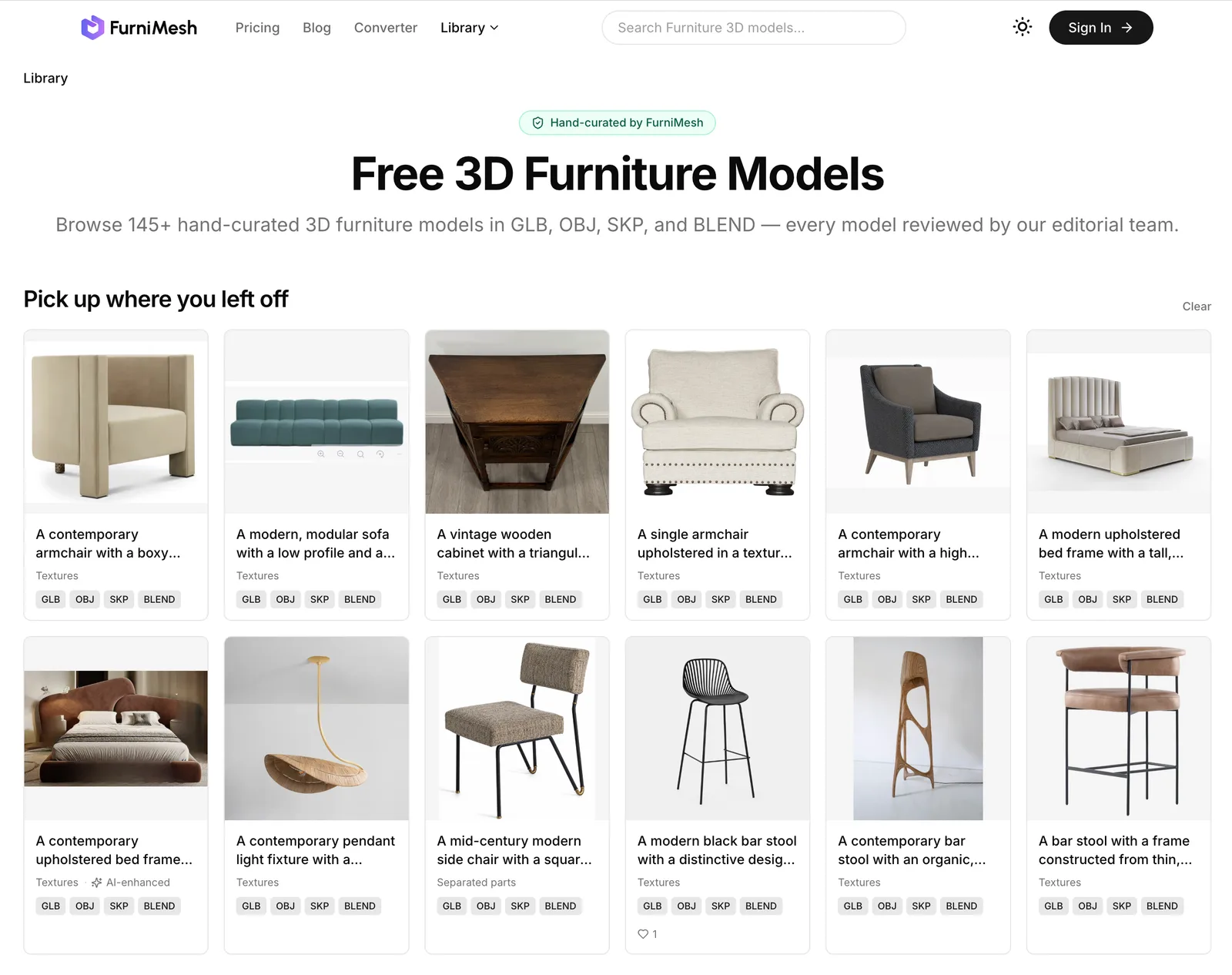
Browse by format, including a dedicated SketchUp collection, and download what you need.
Explore the free 3D model library
Hundreds of ready-to-use furniture models, growing daily — free to browse and download.
Try it on your own photo
Every model — including the .skp — ships with a full, no-attribution commercial-use license. Generating and previewing is free.
Turn a furniture photo into a SketchUp model
Upload one product photo and get a clean, lightweight, editable SketchUp model in under a minute.
More Articles
How Architects and Designers Are Using AI Rendering to Work Faster — and Show Clients More
Photorealistic rendering used to be a slow, end-of-project deliverable. Now designers screenshot their 3D viewport and get a client-ready render in seconds, geometry preserved and every detail editable. Here's how the workflow is shifting, and why it beats prompting a general AI.
June 23, 2026
Advanced Generation: Tune the Engine, Then Edit the Mesh
A walkthrough of the Advanced Generation dashboard — seed, mesh quality, texture resolution, parts separation — and what parts separation unlocks for designers, manufacturers, and animators.
May 24, 2026
Phone-Photo to Studio Render: How Google Nano Banana Pre-Processes Every Upload
Most furniture photos are bad — bad lighting, cluttered backgrounds, off-angle. We added Google's Nano Banana model as a pre-processing step to fix that before the 3D engine ever sees the image.
May 12, 2026