Generate
Image to 3D
Upload any furniture photo. Get a textured 3D model in a few minutes — GLB, OBJ, SKP, BLEND, no 3D skills required.
AI furniture 3D modeling — trusted by 22,000+ designers
Generate 3D models from photos · Browse 10,000+ free models · Convert between 14+ formats.
FurniMesh is an AI 3D modeling platform for furniture. Its AI image to 3D model generator turns furniture photos into production-ready 3D models in a few minutes. Upload a photo of a chair, sofa, table, lamp, or any furniture piece, and the AI returns a textured 3D model in GLB, OBJ, SKP, or BLEND format. Used by 22K+ designers, retailers, architects, and 3D artists in 100+ countries, who have generated 71K+ furniture models so far.
FurniMesh is operated by UAB FURNISYSTEMS, a Lithuania-based company funded by the European Union under the NextGenerationEU recovery plan. The free tier covers around ten model generations and the full 3D file converter — no credit card required.
Also known as
At a glance
A few minutes
from a single photo to a finished 3D model
4 native formats
GLB, OBJ, SKP & BLEND — plus 14+ formats via the 3D file converter
Commercial-use license
for client work, products, AR & marketing — no attribution
71K+
furniture 3D models generated by users
22K+
designers, retailers, architects & 3D artists
100+
countries served
No 3D modeling experience required. Upload, wait a few minutes, download in your preferred format.
Upload any furniture photo — JPEG, JPG, PNG, or WebP. Plain backgrounds and even lighting give the best results.
The AI removes the background, infers depth, builds a textured mesh, and exports — a few minutes end-to-end.
GLB, OBJ, SKP (SketchUp), or BLEND (Blender) — every output is licensed for commercial use, no attribution required.
Open your generated models natively in SketchUp, Blender, 3ds Max, and Corona Renderer — and reach more formats (FBX, STL, GLTF, 3DM, PLY…) via the built-in 3D file converter. No conversion friction between FurniMesh and your existing 3D pipeline.
Pick the path that matches your project. Each one is designed for a different starting point.
Generate
Upload any furniture photo. Get a textured 3D model in a few minutes — GLB, OBJ, SKP, BLEND, no 3D skills required.
Browse
10,000+ free furniture 3D models, organized by category and format. Download instantly, use commercially, drop straight into your scene.
Convert
Free converter for 14+ 3D formats — FBX, STL, GLTF, 3DM, DAE and more. Most formats need no signup; FBX, SKP and BLEND need a free account.
New · AI Render
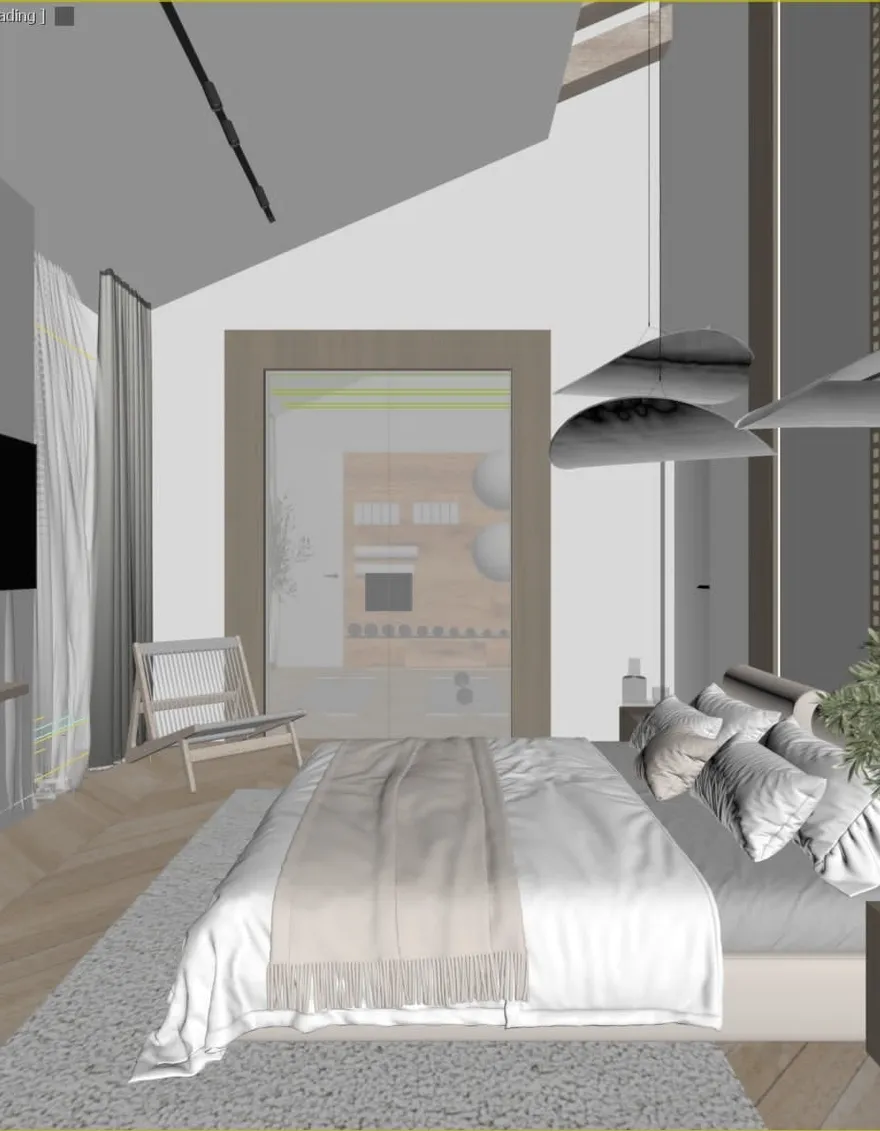
Already modeling in 3D? Screenshot your viewport and FurniMesh renders it photorealistically in about 30 seconds — interiors, exteriors or products, the geometry you built, just lit, textured, and client-ready.
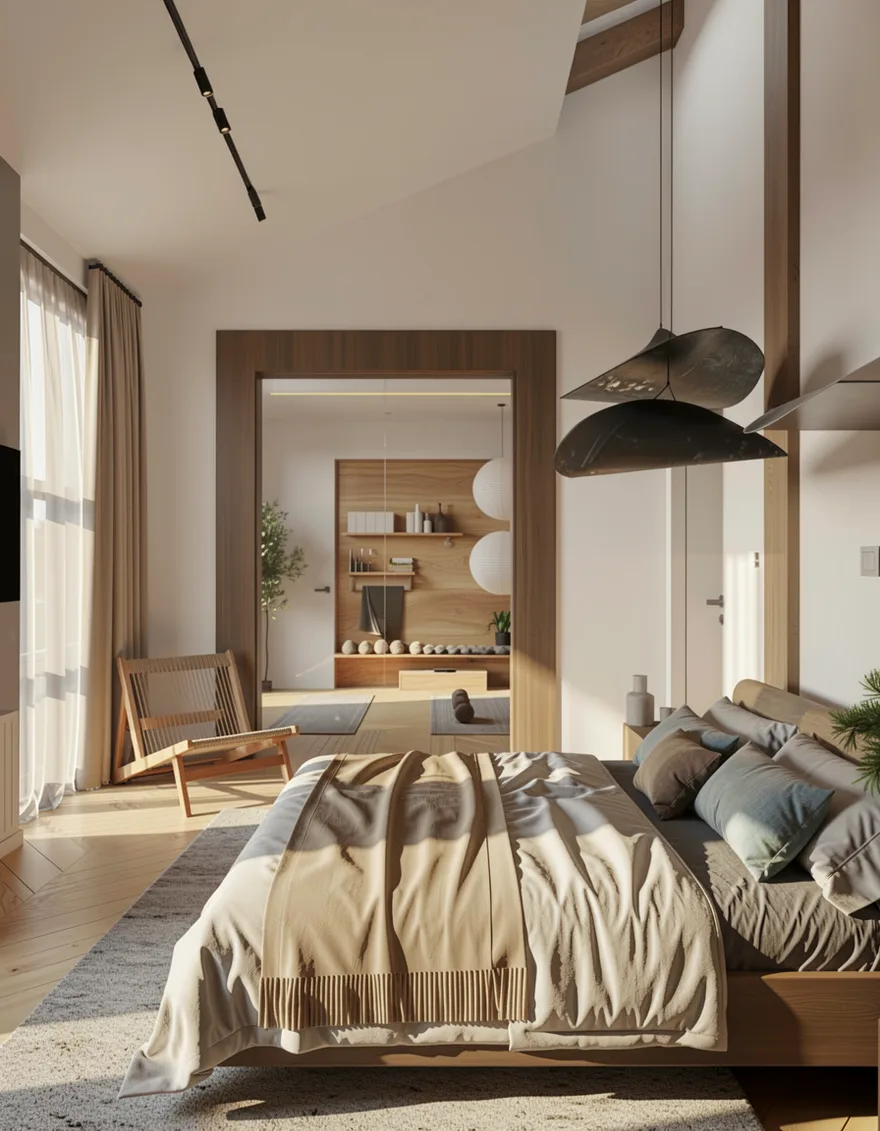
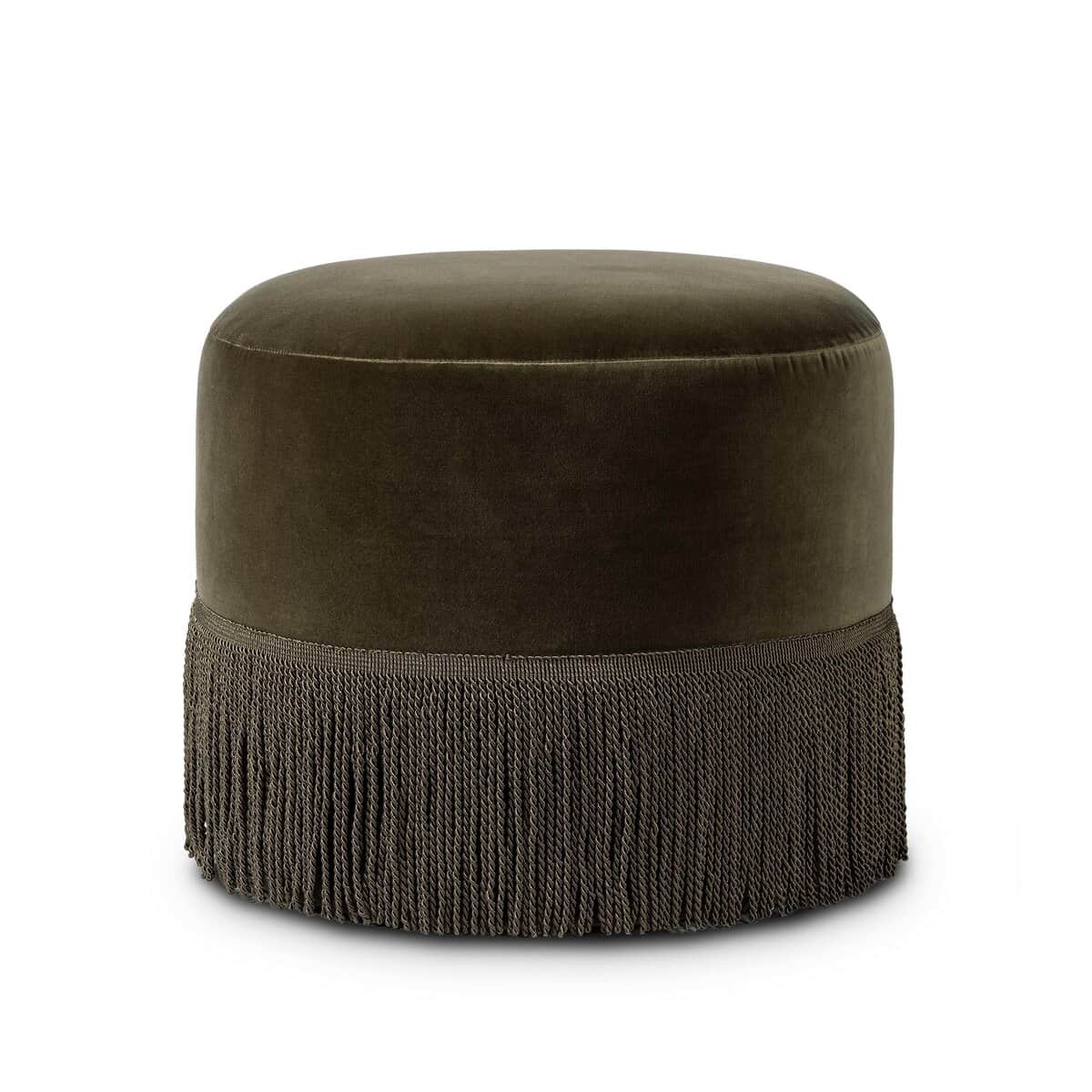
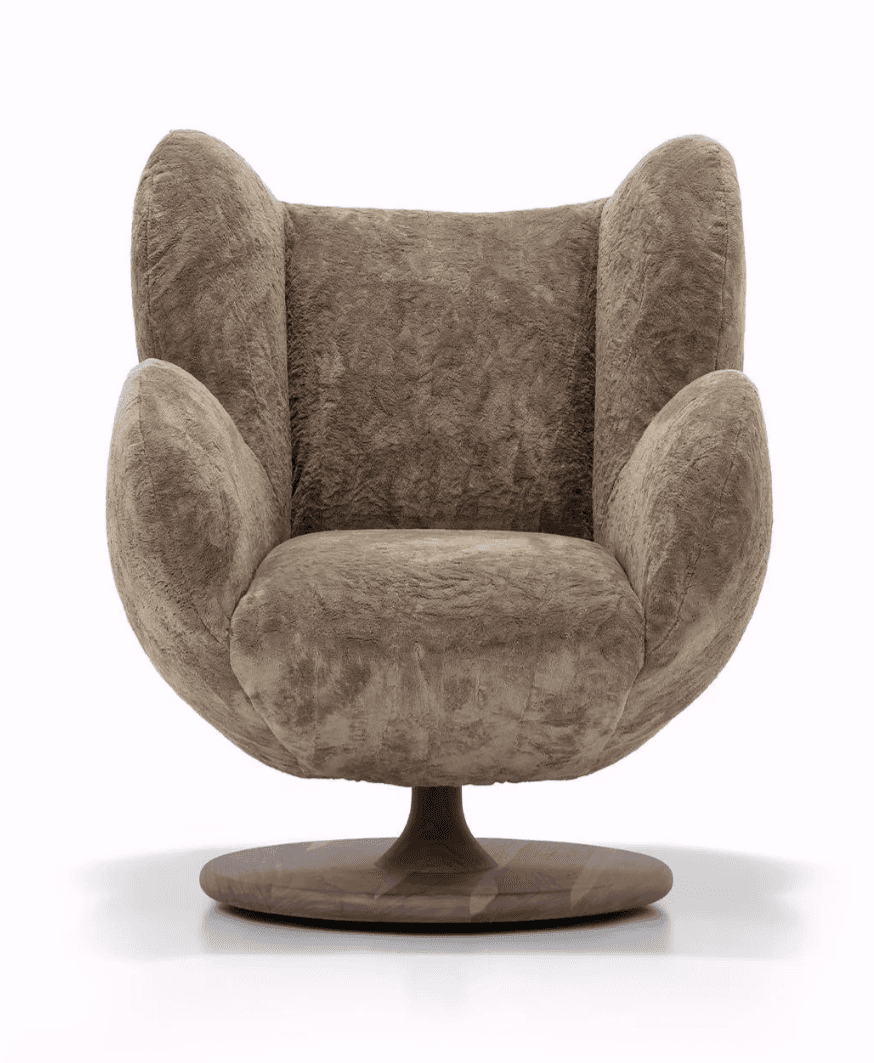
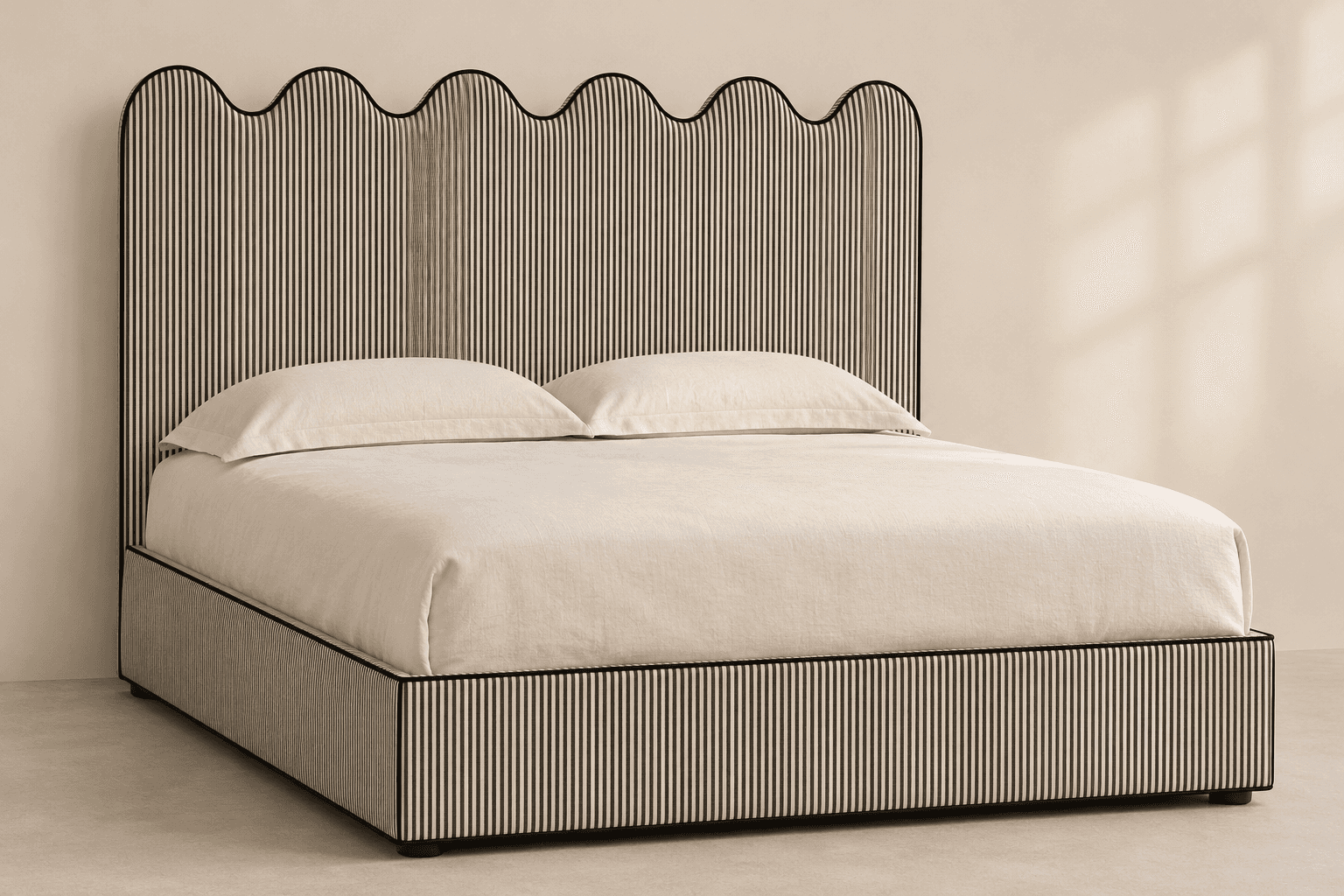
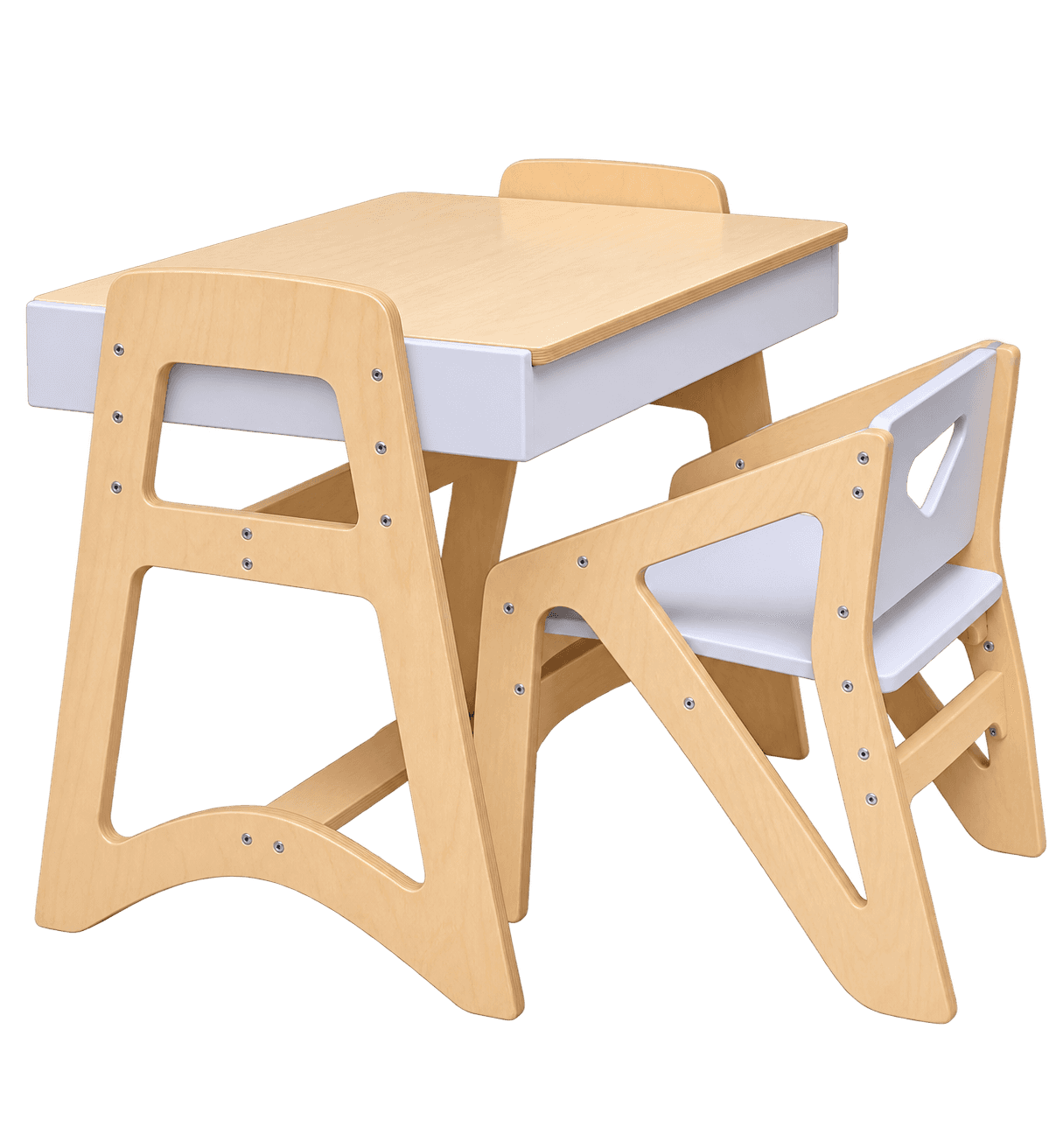
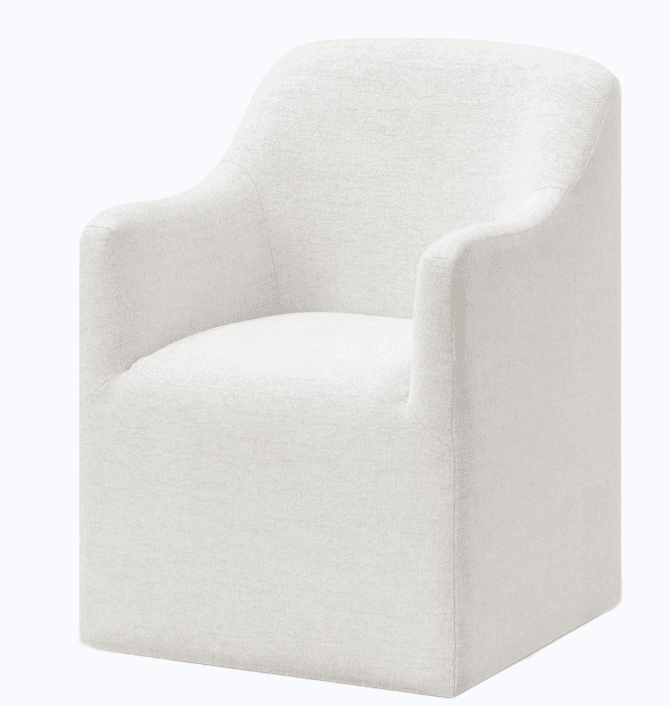
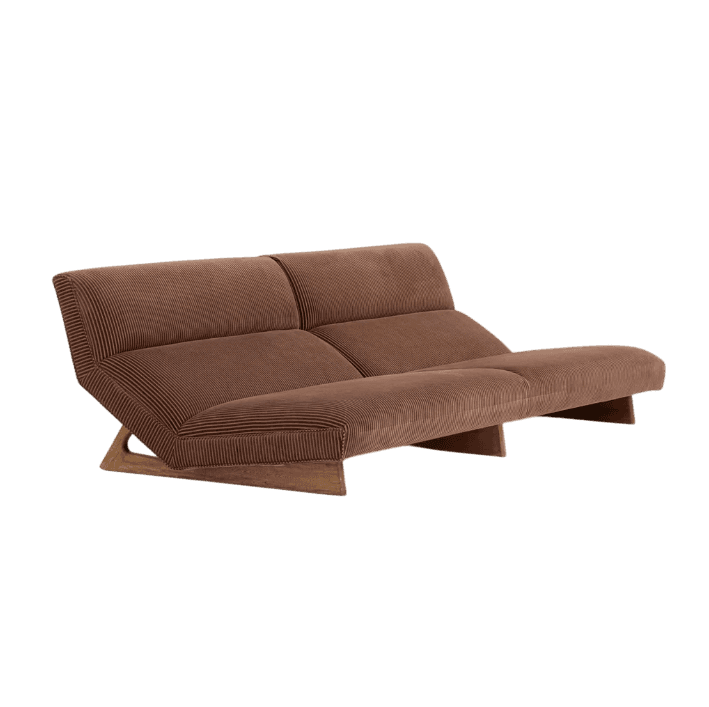
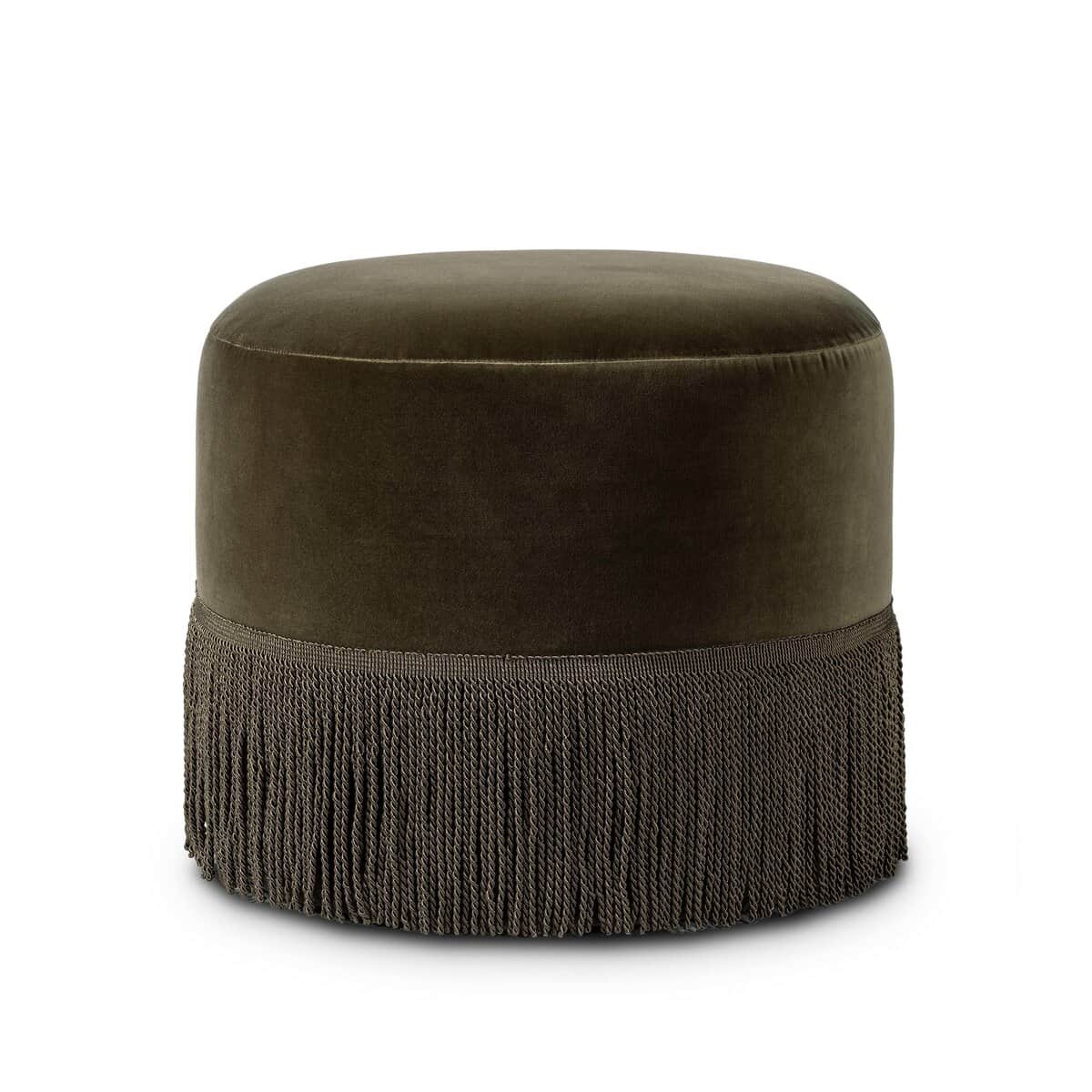
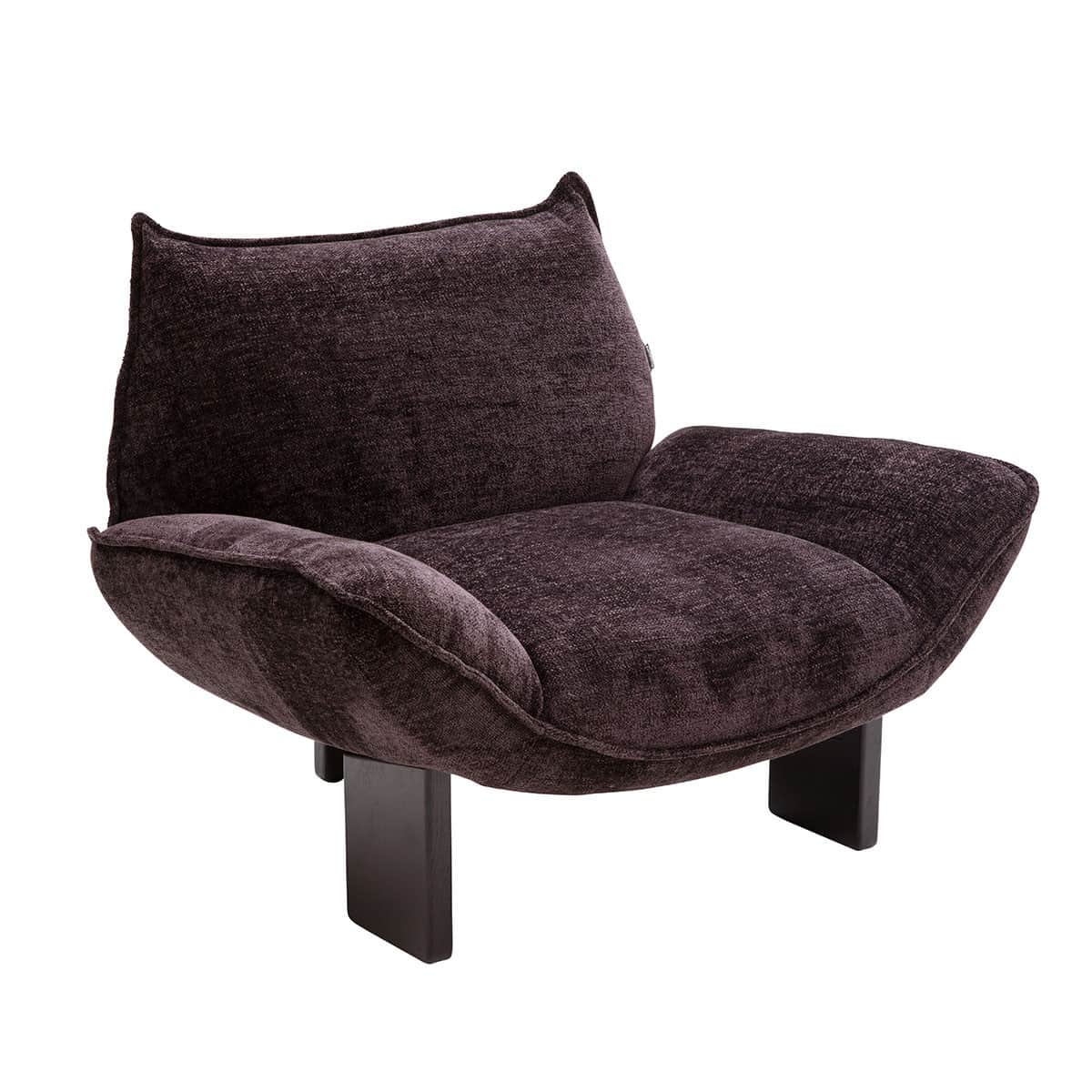
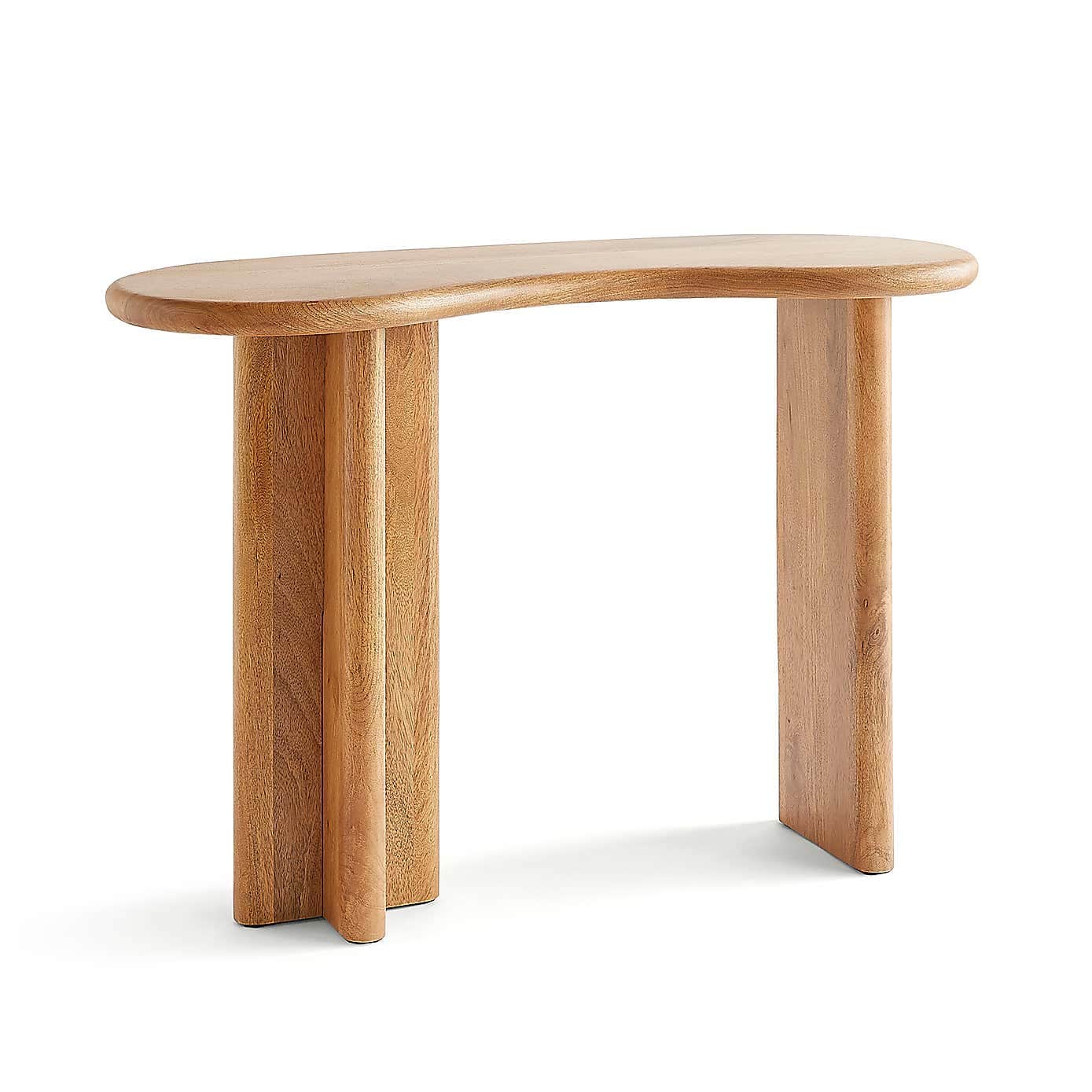
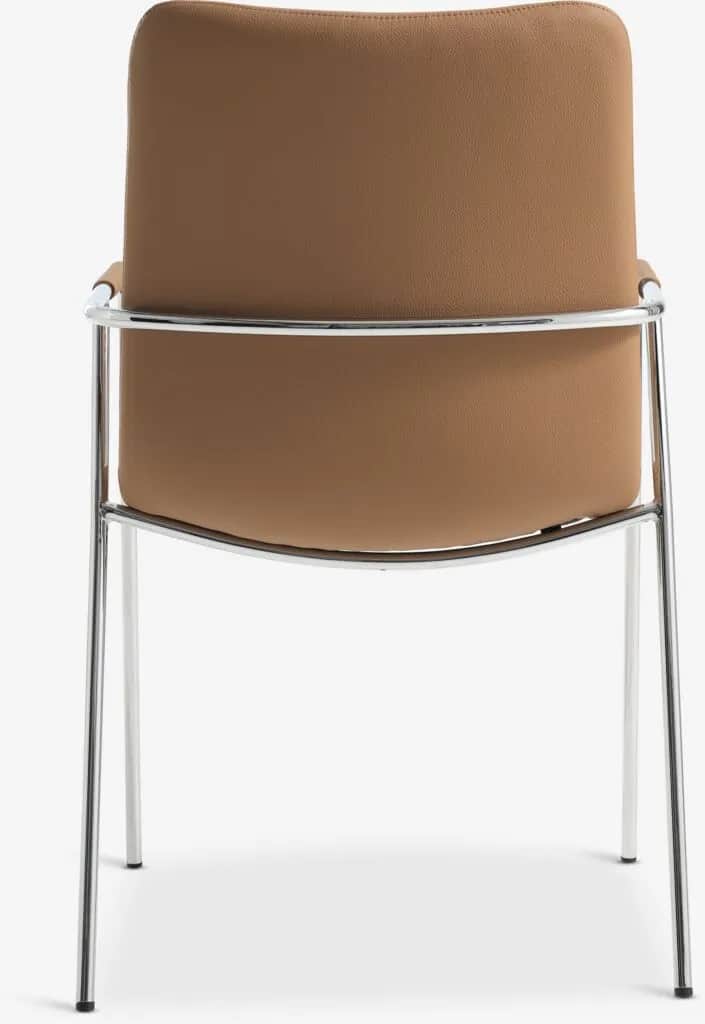
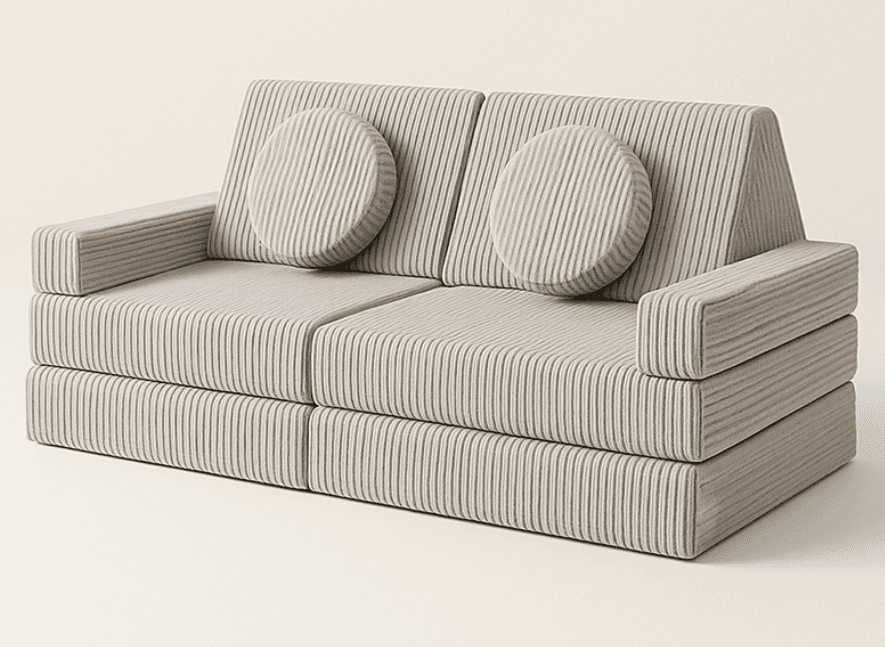
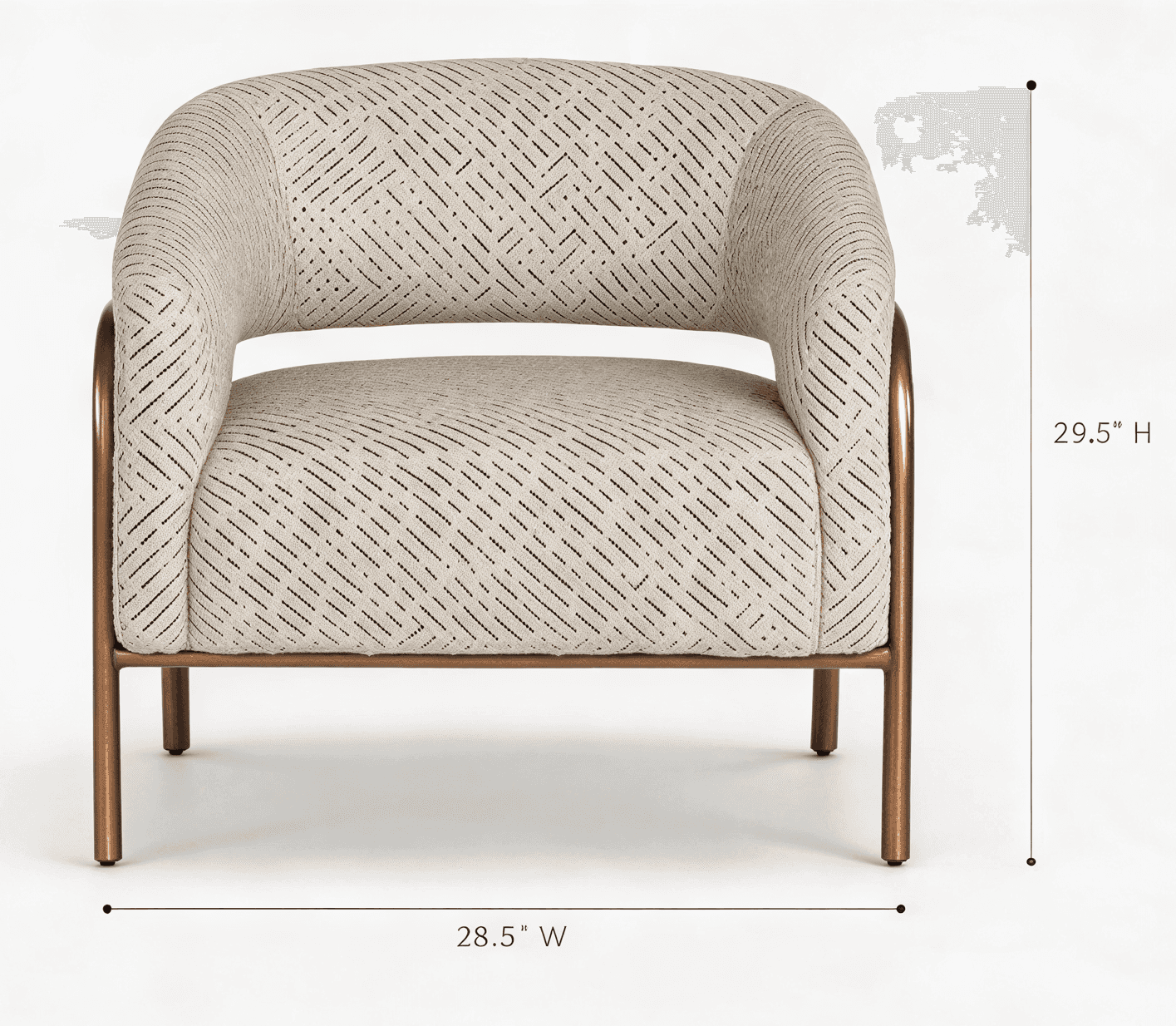
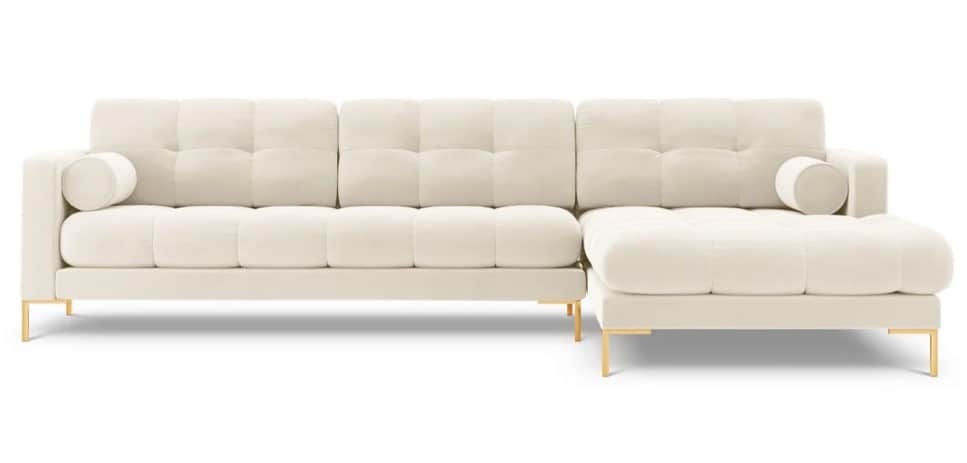
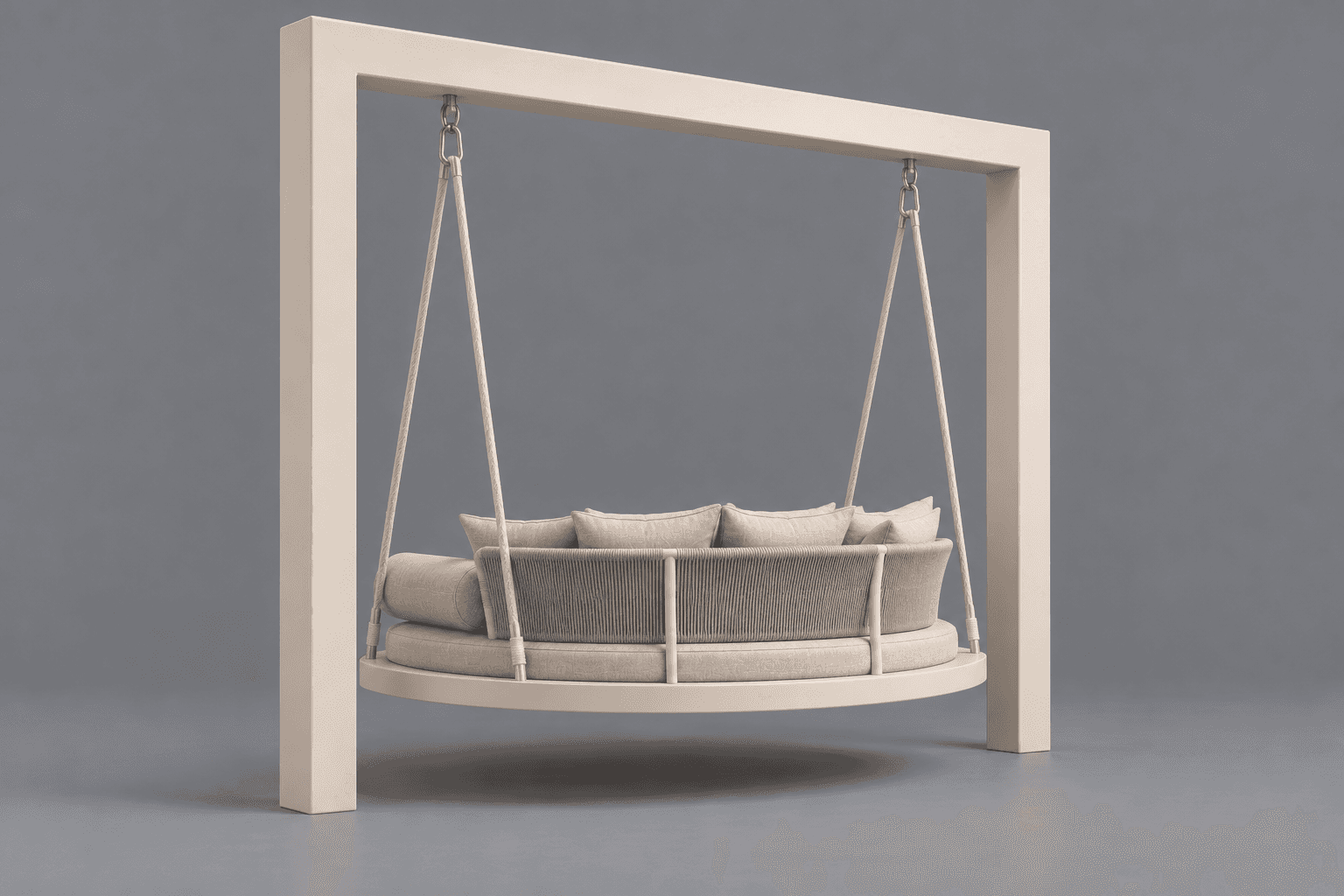
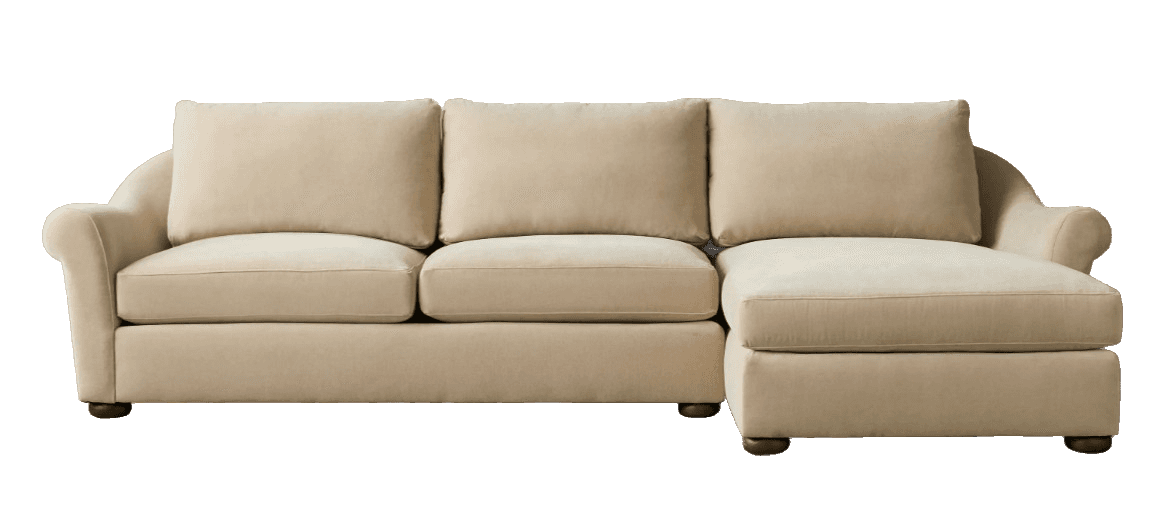
Every model below is a real example — generated from a single photo by a FurniMesh user with our AI engine, not a curated demo. The full public library has 17,000+ free 3D models, all licensed for commercial use.
FurniMesh isn't a generic 3D tool repurposed for furniture. The pipeline, the model, and the formats are tuned for it.
Our model isn't a generic image-to-mesh tool. It's specialized for furniture geometry, materials, and proportions.
Output the four formats designers actually need natively — no lossy conversion step before you can use the file.
FBX, STL, GLTF, 3DM, DAE and more. Most formats convert right in your browser, with no upload.
Drop a single tag on your product page and visitors view the model in-browser, in 3D, or in their room via AR.
Retailers, designers, architects, and 3D artists in 100+ countries rely on FurniMesh to ship product visualizations faster.
Add a 3D viewer to every product page. Reduce returns, increase conversion, ship faster.
Learn moreBuild mood boards and client renders from real product photos — no more placeholder furniture.
Learn moreDrop accurate furniture models straight into SketchUp, Revit, or Rhino. Native SKP output.
Learn moreSkip the modeling busywork. Generate base meshes from reference photos, then polish in Blender or Maya.
Learn moreQuick answers about the FurniMesh platform, pricing, licensing, and the team behind it.
FurniMesh is an AI platform that turns furniture photos into production-ready 3D models. Upload a photo of a chair, sofa, table, lamp, or any furniture piece, and the AI returns a textured 3D model in a few minutes — in GLB, OBJ, SKP (SketchUp), or BLEND (Blender) format. The platform is used by 22K+ designers, retailers, architects, and 3D artists in 100+ countries, who have generated 71K+ furniture models so far. FurniMesh is operated by UAB FURNISYSTEMS, a Lithuania-based company, and is funded by the European Union under the NextGenerationEU recovery plan.
FurniMesh is built for four primary audiences: furniture retailers who want a 3D viewer on every product page to reduce returns and lift conversion; interior designers who need real product 3D models for mood boards and client renders instead of placeholder furniture; architects who need accurate furniture models for SketchUp, Revit, or Rhino scenes; and 3D artists who want to skip mesh modeling busywork and start from an AI-generated base. No 3D-modeling skills are required to use the platform — only a furniture photo.
Yes — FurniMesh has a free tier that includes 50 one-time credits (enough to generate around 10 furniture 3D models), free use of the 3D file converter (unlimited in-browser conversions; SKP and BLEND exports use 1 credit), and the ability to generate and preview your models. Paid plans start at $19.99/month (Individual annual plan; €19.99 in the EU) and unlock downloads of your generated models (GLB, OBJ, SKP, BLEND), 250 monthly credits, the in-app model library, AR viewing, embeddable model widgets and private 3D models. Company plans add team collaboration, company-wide libraries, and invoiced billing.
Yes. Every 3D model you generate on FurniMesh, and every model in the public 3D model library, carries a commercial-use license with no attribution required — product pages, client renders, marketing materials, AR experiences, and games are all fine. Generating and previewing your own models is free; downloading the model files requires a subscription.
FurniMesh was founded by Airidas Juskaitis and operates under UAB FURNISYSTEMS, a company registered in Vilnius, Lithuania. The platform is funded by the European Union under the NextGenerationEU programme — the bloc's largest-ever stimulus package, focused on greener and more digital industries. Public EU funding comes with public accountability: the team publishes technical write-ups, contributes to the broader 3D ecosystem, and keeps a free tier so the technology stays accessible.
FurniMesh outputs four 3D formats natively from the AI generation pipeline — GLB (the universal 3D web format), OBJ (the cross-tool standard), SKP (SketchUp's native format), and BLEND (Blender's native format). For everything else, the free built-in converter exports FBX, STL, GLTF, 3DM, PLY and more, and reads IFC, DAE, 3DS and 3MF files. Native formats avoid the quality loss that comes with chained conversions.
Recently shipped
The platform ships continuously. A snapshot of recent upgrades.
Turn a 3D viewport screenshot — from SketchUp, Blender, 3ds Max, or any 3D software — into a photorealistic render in about 30 seconds, with the geometry and proportions preserved. Render interiors, building exteriors, or a product on a clean background. Mask-edit any area, keep one consistent style across multiple angles of the same subject, and skip the GPU render queue.
We integrated Google's Nano Banana model into the image pre-processing pipeline so cleaner inputs feed the generator — producing sharper textures and more accurate geometry on the resulting 3D models.
Thousands of new furniture models added to the public library, plus two new subcategories — Plants and Clocks — extending coverage beyond classic furniture into wider interior-design needs.
Photo-to-SketchUp generation is live with native .skp output, purpose-built for designers and architects who work in SketchUp.
Major engine upgrade delivering more accurate furniture geometry, sharper material textures, and better handling of complex shapes (curved surfaces, transparent materials, fine details).
Upload a photo. Get a textured, ready-to-use 3D model in a few minutes. Free to try, no credit card required.




FurniMesh makes it easy to display your 3D models directly on your website. Our viewer includes AR functionality, allowing your customers to view models in their own space when browsing from mobile devices.
Copy and paste this code into your website:
<iframesrc="https://furnimesh.com/iframe?glb=https://storage.googleapis.com/furnimesh-3d/gbl-files/xSUhtOSGZ2DWgnwpU2kya.glb&userId="width="100%"height="100%"frameborder="0"allowfullscreen></iframe>
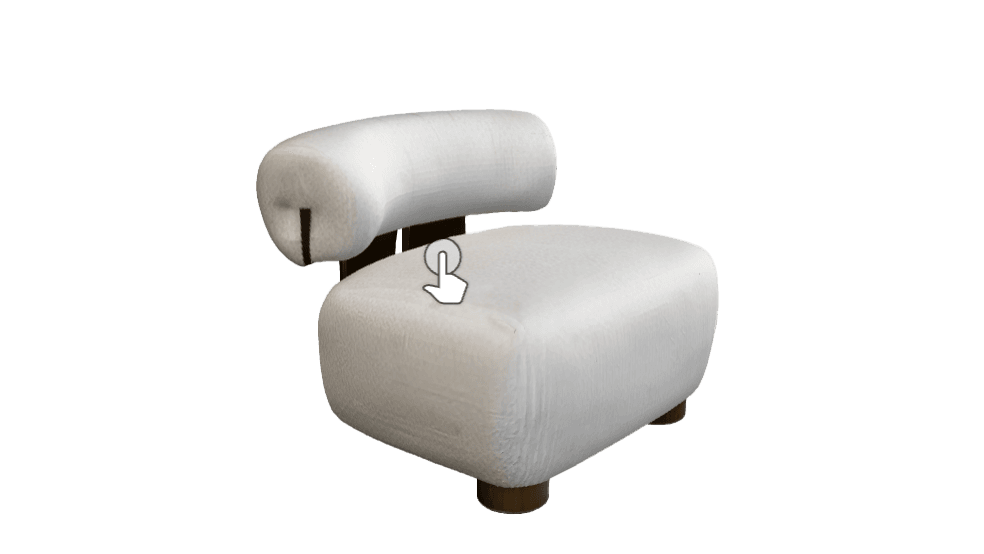
On mobile devices, tap the AR icon to view in your space
Your data is safe and GDPR compliant.
All your generated 3D models will be available online, fast download, easy management.
FurniMesh uses cloud services to acquire the best GPUs available on demand, we provide speed x50 times faster than a local machine.
Company owners can add users and manage a company wide library of generated models.
FurniMesh is uniquely developed through our research funded by NextGenerationEU in Lithuania, focusing on cutting-edge AI technology for high-end furniture reproduction.