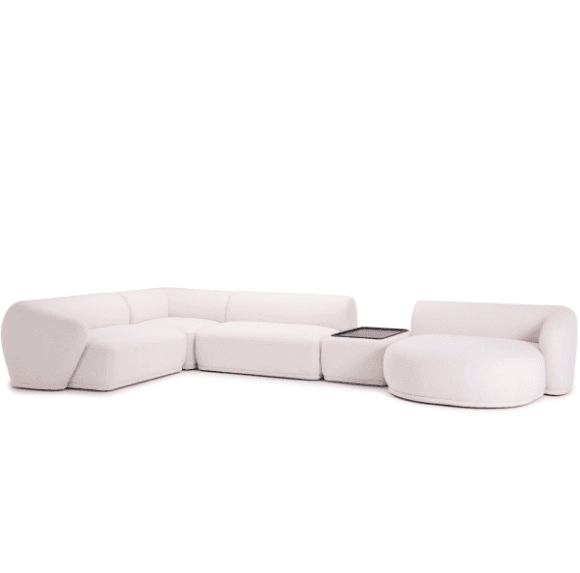
SketchUp professionals
Skip the 30–90-minute manual modeling per piece. Keep momentum on client deliverables — the .skp opens straight into your existing scene.
Native .skp scenes, ready to edit
From photo to SketchUp in a few minutes. JPEG to SKP, JPG to SKP, photo to SketchUp — every model exports natively as a .skp file ready for SketchUp 2017+. No SketchUp modeling skills required.
Trusted by 22K+ designers71K+ models createdNative .skp outputCommercial-use license
Need other 3D formats? AI 3D model generator →
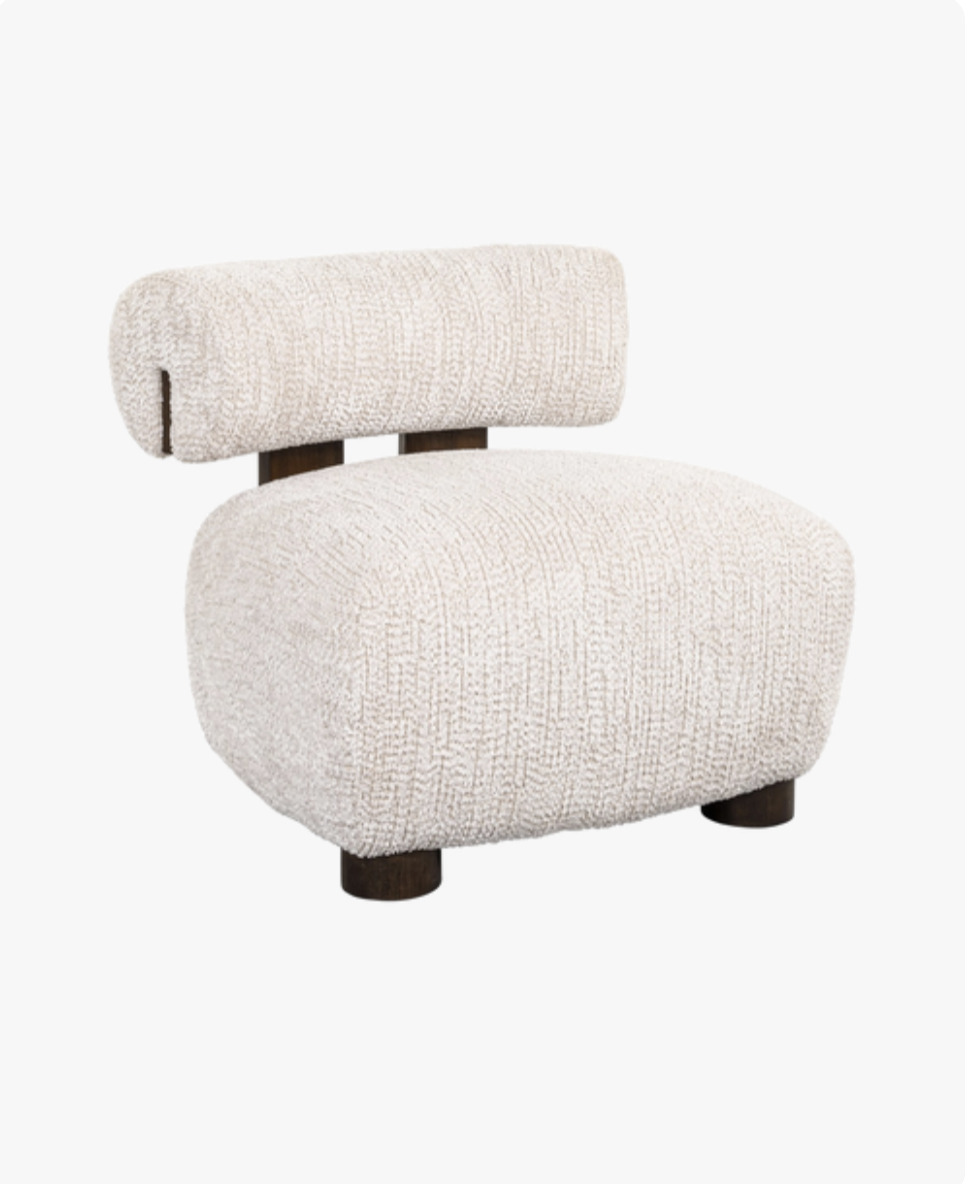
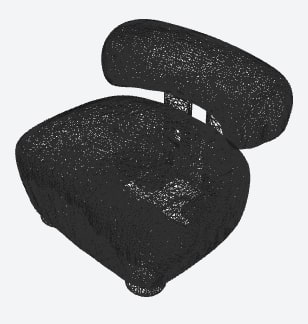
Every SketchUp generation includes the rendered model, wireframe geometry, and normal map.
FurniMesh's image to SKP turns a furniture photo — JPEG, JPG, PNG, or WebP — into a native SketchUp .skp file end-to-end. Upload a single picture and the pipeline removes the background, builds the mesh, bakes textures, and exports a fully grouped SketchUp scene in a few minutes, with no SketchUp modeling required.
Built specifically for furniture, this JPEG to SKP converter handles chairs, sofas, tables, beds, lamps, and cabinets. Designers reach for it as a no-code photo to SketchUp workflow — the .skp opens directly in SketchUp 2017+ Free, Pro, or Studio with components ready to edit.
Also known as
At a glance
A few minutes
from upload to a finished .skp
Native .skp output
SketchUp 2017+ — Free, Pro & Studio — also via the SKP converter
Commercial-use license
for client work, products & marketing — no attribution
71K+
3D models generated to date
22K+
designers, retailers & 3D artists
100+
countries served
No SketchUp modeling experience required. Upload, wait a few minutes, open in SketchUp.
Upload any furniture photo — JPEG, JPG, PNG, or WebP. Plain backgrounds and even lighting give the best results.
Our AI removes the background, builds the mesh, and bakes textures in a few minutes.
Download the .skp and open it directly in SketchUp 2017+ — Free, Pro, or Studio. Components are pre-grouped and ready to edit.
Pick a piece to rotate the actual generated model and download it natively as a .skp SketchUp file (plus GLB, OBJ, and BLEND).
Convert your own furniture photo to a SketchUp 3D model
No credit card required · 10 free model generations · Native .skp output
Revolutionary AI that converts furniture images into 3D models with intelligent component separation
Interactive 3D model with color-coded separated parts
Our advanced AI model revolutionizes furniture design by converting single images into 3D models with intelligent parts separation. Unlike traditional approaches, each component is automatically identified and color-coded for professional workflows.
Transform furniture images into professional 3D models with separated parts. Each logical component—legs, seat, backrest, drawers—is automatically identified and color-coded, enabling precise material application and individual part modification.
FurniMesh makes it easy to display your 3D models directly on your website. Our viewer includes AR functionality, allowing your customers to view models in their own space when browsing from mobile devices.
Copy and paste this code into your website:
<iframesrc="https://furnimesh.com/iframe?glb=https://storage.googleapis.com/furnimesh-3d/gbl-files/xSUhtOSGZ2DWgnwpU2kya.glb&userId="width="100%"height="100%"frameborder="0"allowfullscreen></iframe>
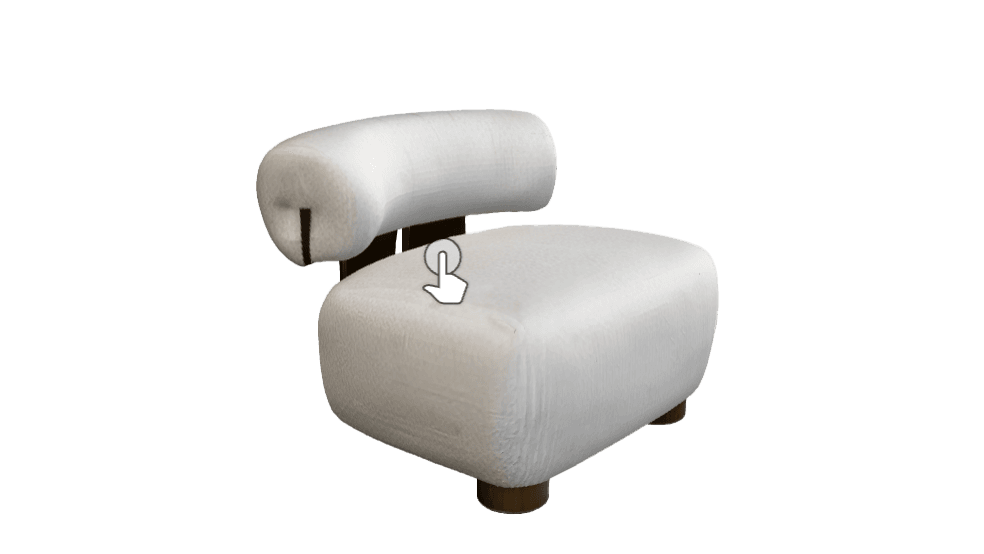
On mobile devices, tap the AR icon to view in your space
FurniMesh is a leading AI model specialized in Furniture! Our data set comprised pieces that include very complex and modern 3D models of furniture that are displayed in various trade-fairs around the world from Italy, Germany, China, USA and many more!
Upload single or multiple photos of your furniture and get high-quality 3D models ready for use.
Our advanced AI technology ensures accurate dimensions, textures, and details in every 3D model.
Perfect for product visualization, interior design, architectural renderings, and 3D configurators.
Export models in industry-standard formats compatible with major 3D software and platforms.
Built on the SketchUp 2017 schema — no version-conversion step between you and the scene.
Faces oriented correctly, components pre-grouped, centimeter scale by default — ready to edit.
SketchUp Free (web), Pro 2017+, Studio, and SketchUp for iPad — same file opens everywhere.
Turn GLB and OBJ files into SketchUp models. Free account: 1 credit per SKP, 50 credits on sign-up. Paired with image-to-SKP.
Import the .skp directly, snap to grid, assign materials, place — your existing SketchUp workflow.
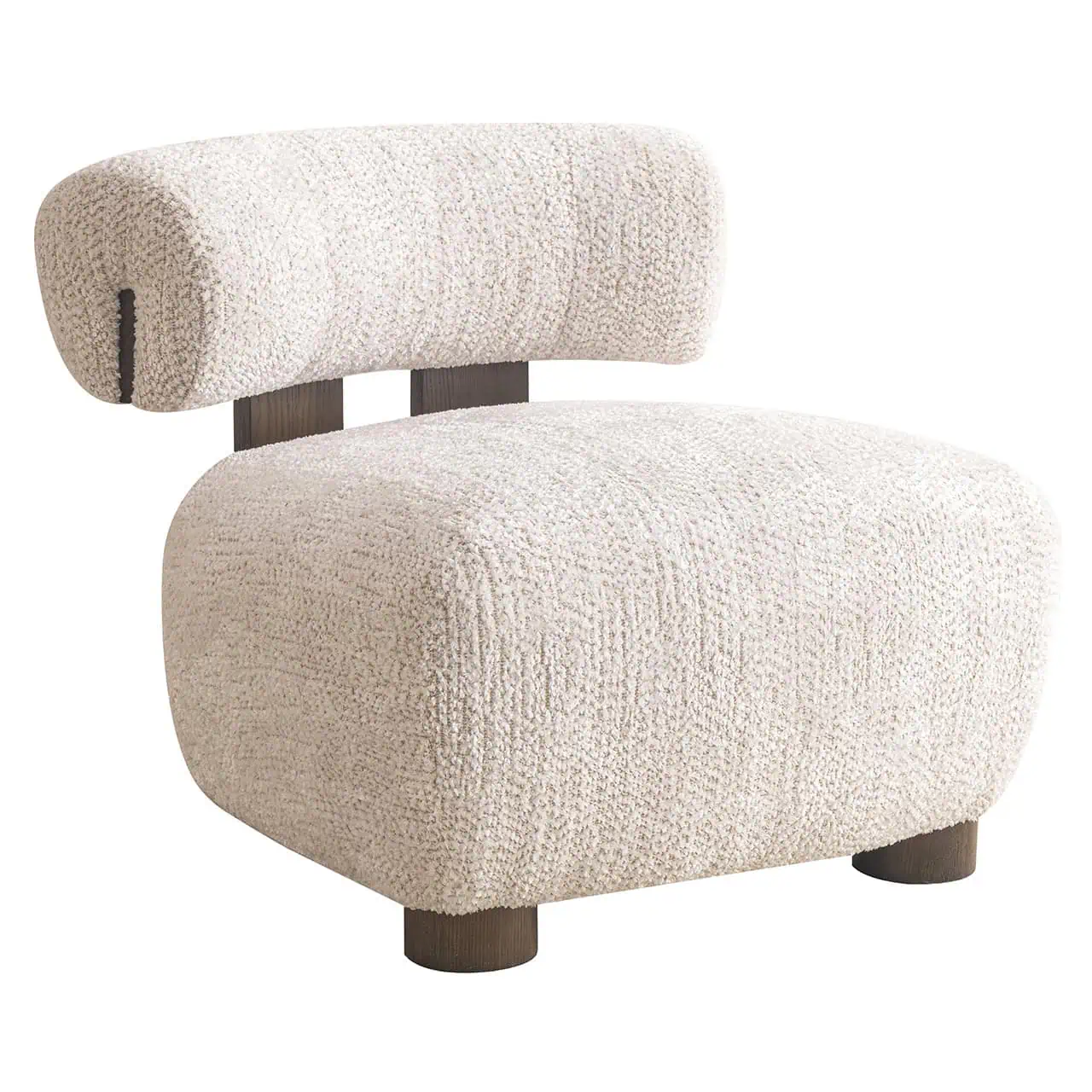
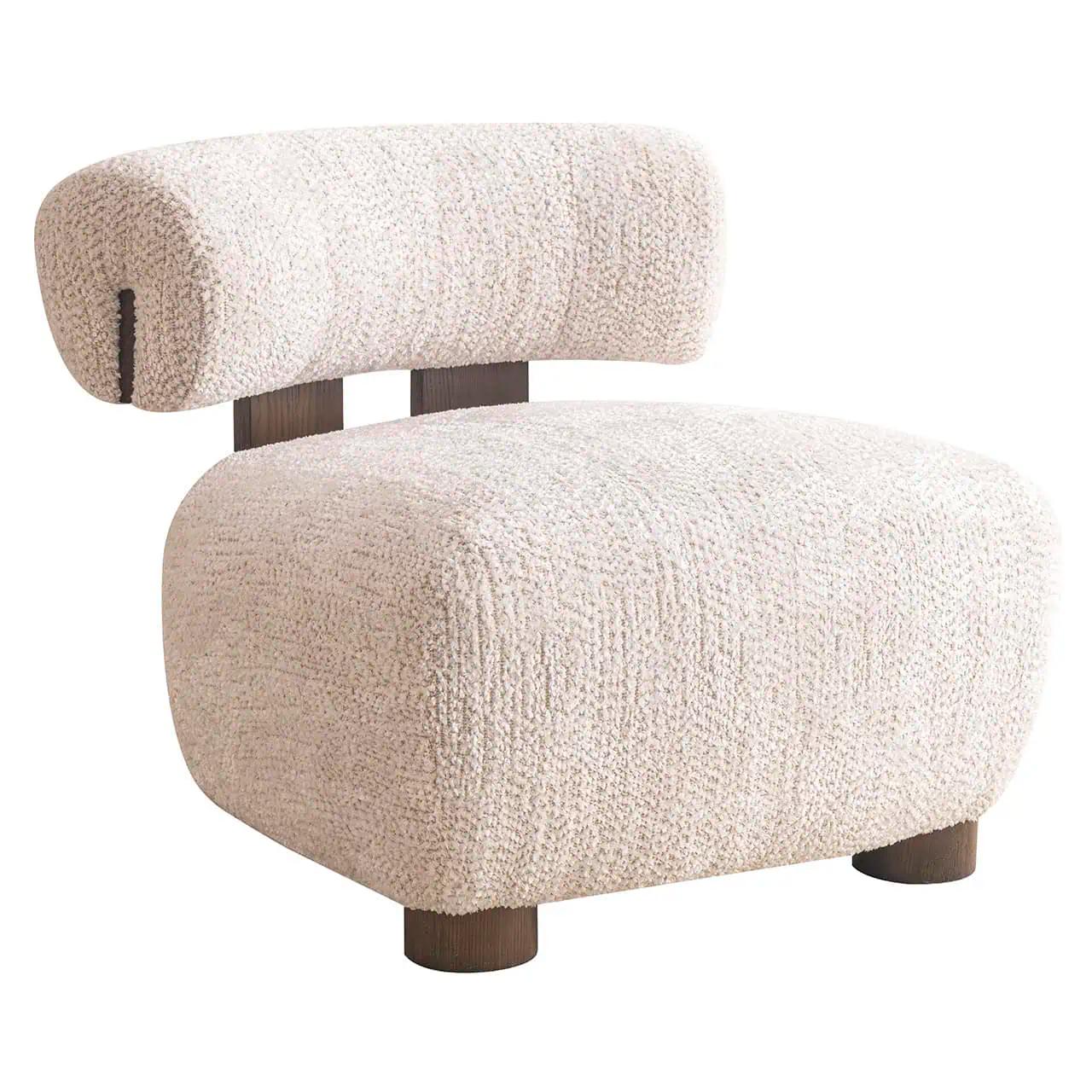
One real generation, broken down into the four stages every photo passes through before becoming a native .skp file.
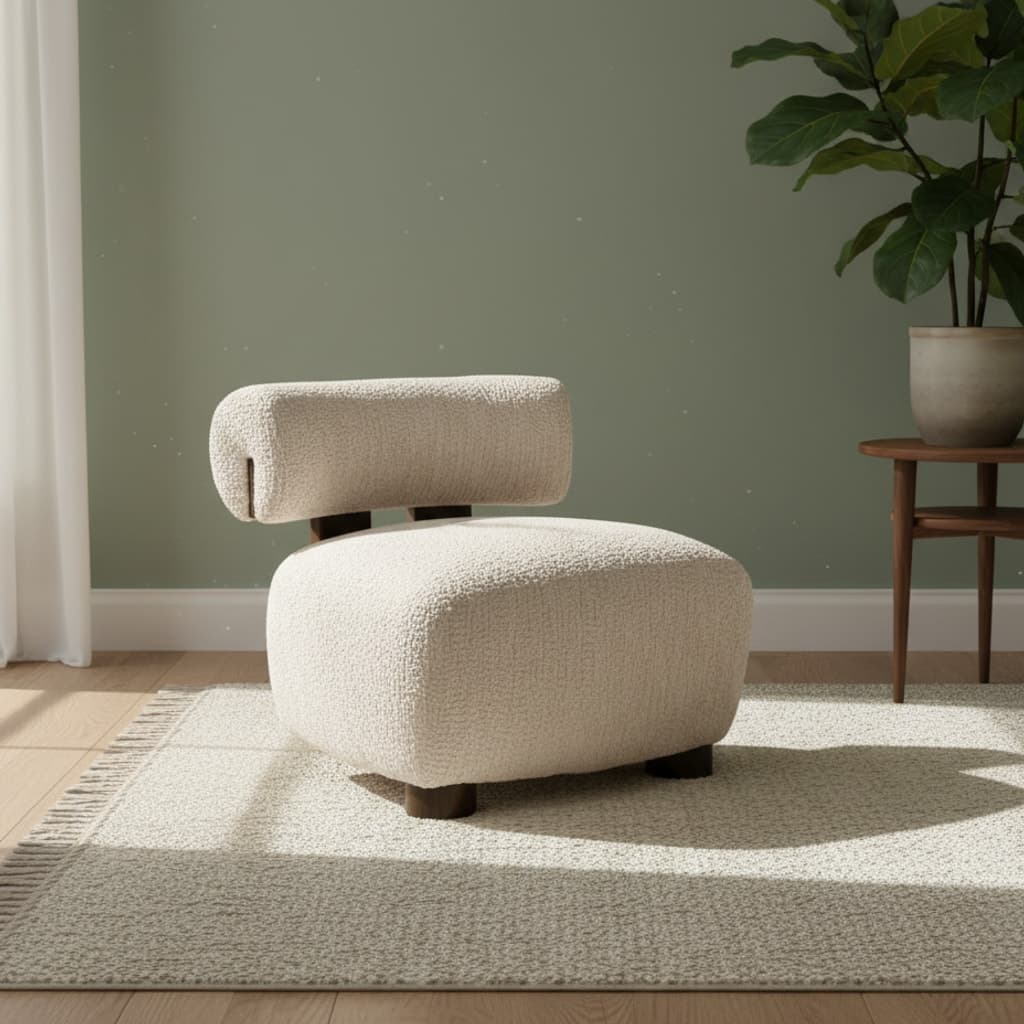
The raw photo — a furniture piece shot in a real room, background and all.
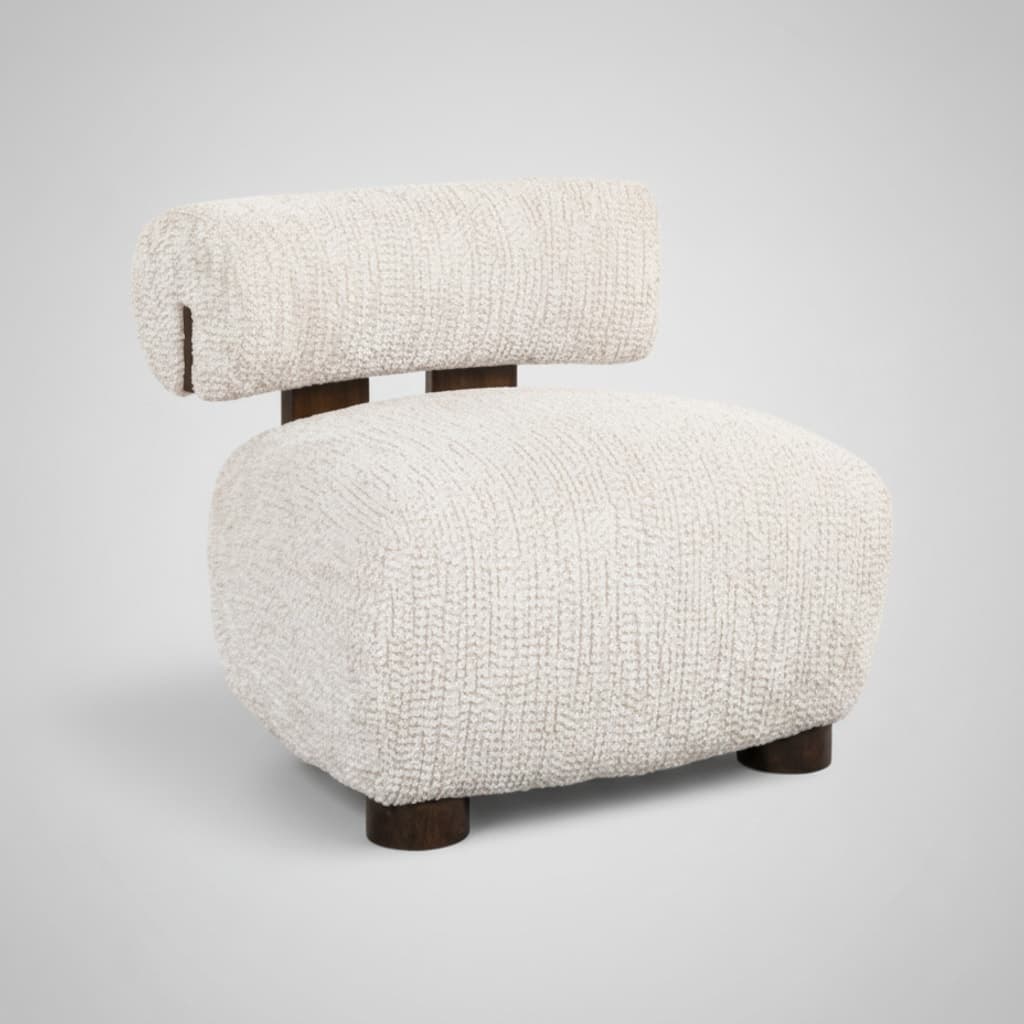
The AI removes the background and sharpens the subject so depth inference gets clean edges.
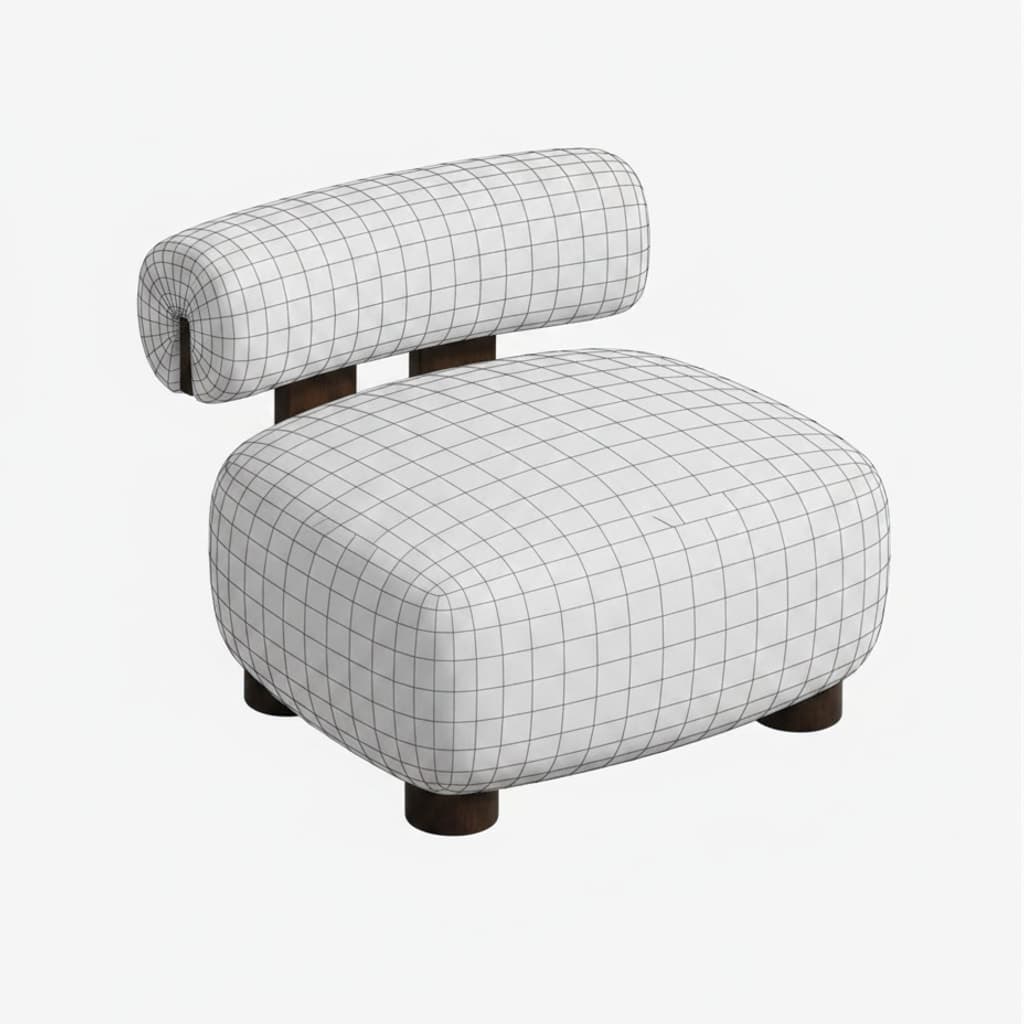
A base mesh is extracted — accurate geometry and topology first, textures next.
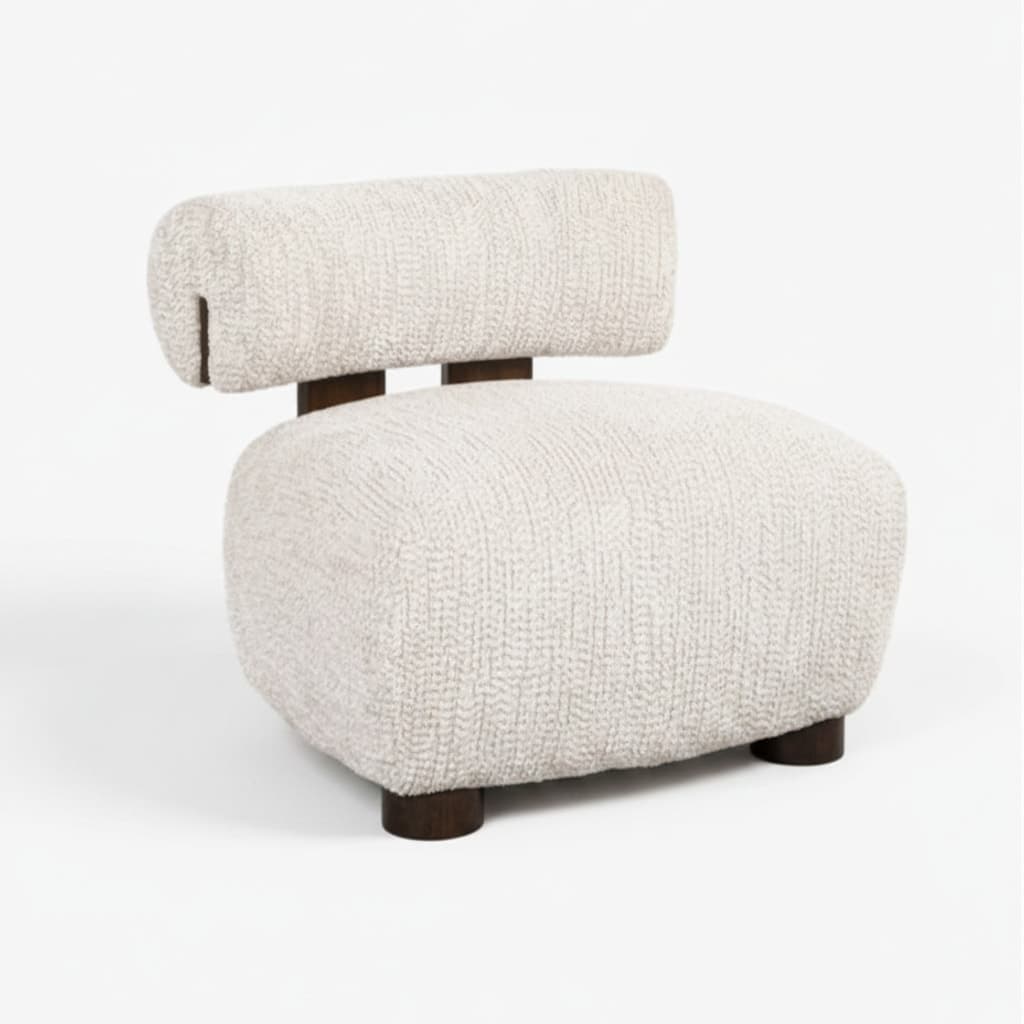
The final textured model, exported natively as a SketchUp (.skp) file.
From SketchUp pros to architects — teams who live in SketchUp save hours per piece.
Skip the 30–90-minute manual modeling per piece. Keep momentum on client deliverables — the .skp opens straight into your existing scene.
Native .skp scenes, ready to edit
Drop real furniture from your client's shortlist into a SketchUp mood-board without rebuilding it from scratch. Components are pre-grouped.
SketchUp client mood-boards
Bring photo-sourced furniture into your SketchUp pipeline as a starting point, then refine the geometry in your DCC of choice.
Reference & blockout in SketchUp
Populate visualizations with the exact furniture specified in the FF&E schedule — straight into the SketchUp file, no placeholder assets.
FF&E inside SketchUp
Every model arrives as a binary .skp built on the SketchUp 2017 schema: components pre-grouped, faces oriented correctly, centimeter-scale geometry. No version-conversion step needed.
SketchUp Free
Browser-based, no install
SketchUp Pro
2017 and every release since
SketchUp Studio
Full studio toolkit
SketchUp for iPad
Mobile workflow




Also works with Maya, Unity, Unreal Engine, model-viewer, and Three.js — via the converter.
Native: .skp (SketchUp) · Via converter: GLB, OBJ, FBX, STL, GLTF, 3DM, BLEND
Need other 3D formats? AI 3D model generator
Every model exports as a native binary .skp built on the SketchUp 2017 schema — it opens in SketchUp Free (web), SketchUp Pro 2017 and every release since, SketchUp Studio, and SketchUp for iPad. No version-conversion step needed.
Yes. The output .skp is a native SketchUp scene: components are pre-grouped, faces are oriented correctly, and the scale is in centimeters by default. Assign materials, swap textures, drop the piece into a larger scene — all in your usual SketchUp workflow.
Upload any JPEG, JPG, PNG, or WebP furniture photo and the AI removes the background, infers depth, builds a 3D mesh, bakes textures, and exports the result as a native SketchUp .skp file — end-to-end in a few minutes. The same pipeline handles JPG to SKP and any other common photo format.
Yes — the FurniMesh SKP converter handles common 3D formats both into and out of .skp (GLB to SKP, OBJ to SKP, FBX to SKP, STL to SKP and the reverse). Pair it with image-to-SKP when you need to mix photo-sourced and existing 3D assets in the same SketchUp scene.
The underlying AI is the same — every generation produces a textured 3D model from a single photo. Image to SKP is the SketchUp-focused entry point: SketchUp version compatibility, .skp workflow, and an SKP-specific FAQ. If you do not specifically need SketchUp, the AI 3D model generator at /image-to-3d/ covers GLB, OBJ, SKP, and BLEND for the same generation.
Yes. Every model you generate — including the .skp output — carries a full no-attribution commercial-use license: product configurators, marketing renders, e-commerce listings, AR previews, video, and client work. Generating and previewing is free; downloading the .skp (and the GLB/OBJ/BLEND) requires a subscription.
Going from photo upload to a finished .skp model usually takes a few minutes end-to-end; complex multi-part objects (sectional sofas, modular cabinets) can take longer. Finished SketchUp models are saved to your dashboard.
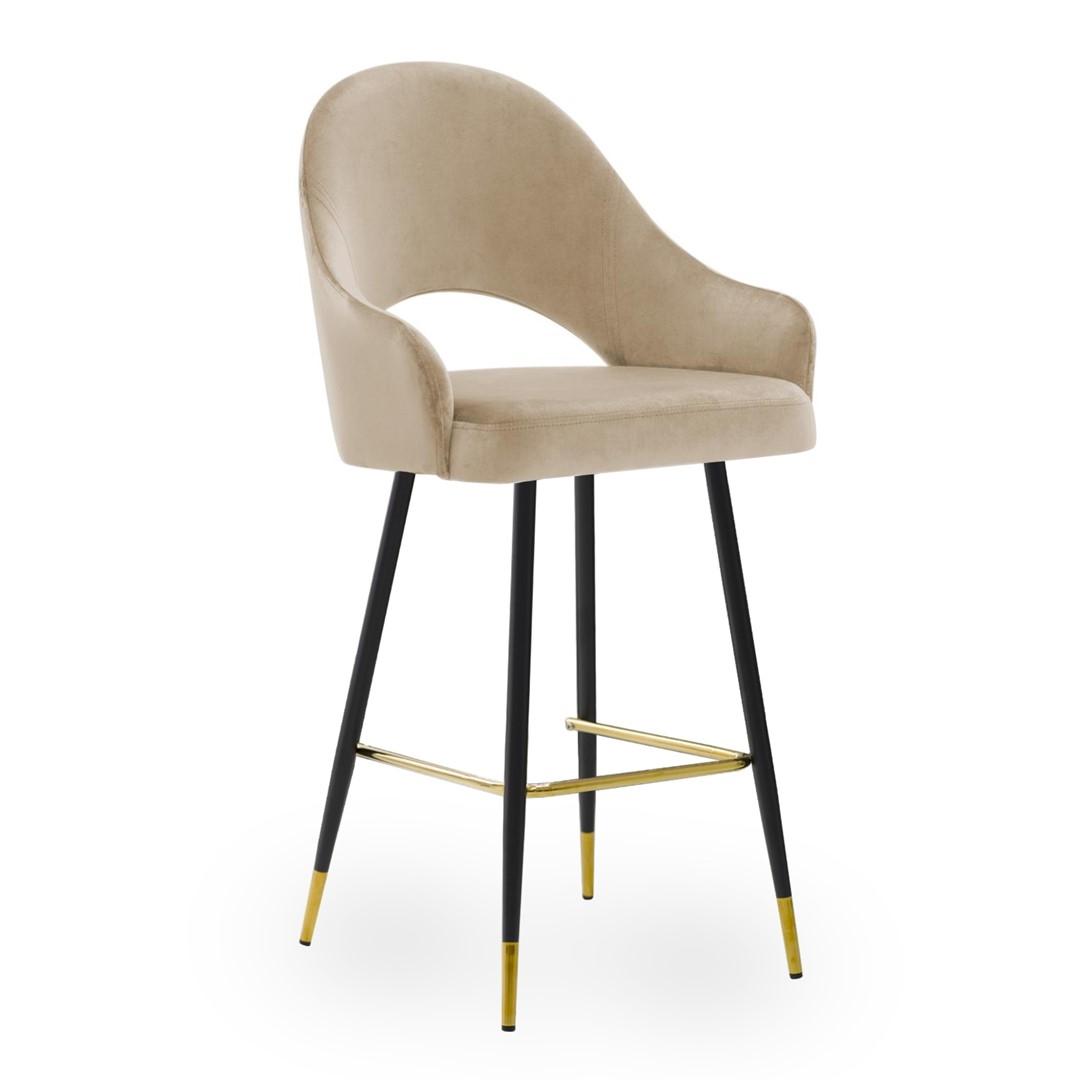
Single, well-lit furniture pieces on a plain background convert best — chairs, sofas, tables, beds, cabinets, lamps, and bar stools all convert reliably to SketchUp. The pipeline has been trained on 71,000+ furniture pieces across 100+ countries.
Every model exports as a binary .skp built on the SketchUp 2017 schema — components are pre-grouped, faces oriented correctly, scale in centimeters. Open the file directly in SketchUp 2017+ Free, Pro, or Studio with no version-conversion step.