
Engine V2: How Our New 3D Pipeline Renders Curves, Glass, and Fine Detail
By AirisJus · Published
The April 2026 V2 engine release is the biggest geometry upgrade in FurniMesh's history. Sharper textures, smarter mesh topology, and complex shapes that used to be failure cases now render cleanly.

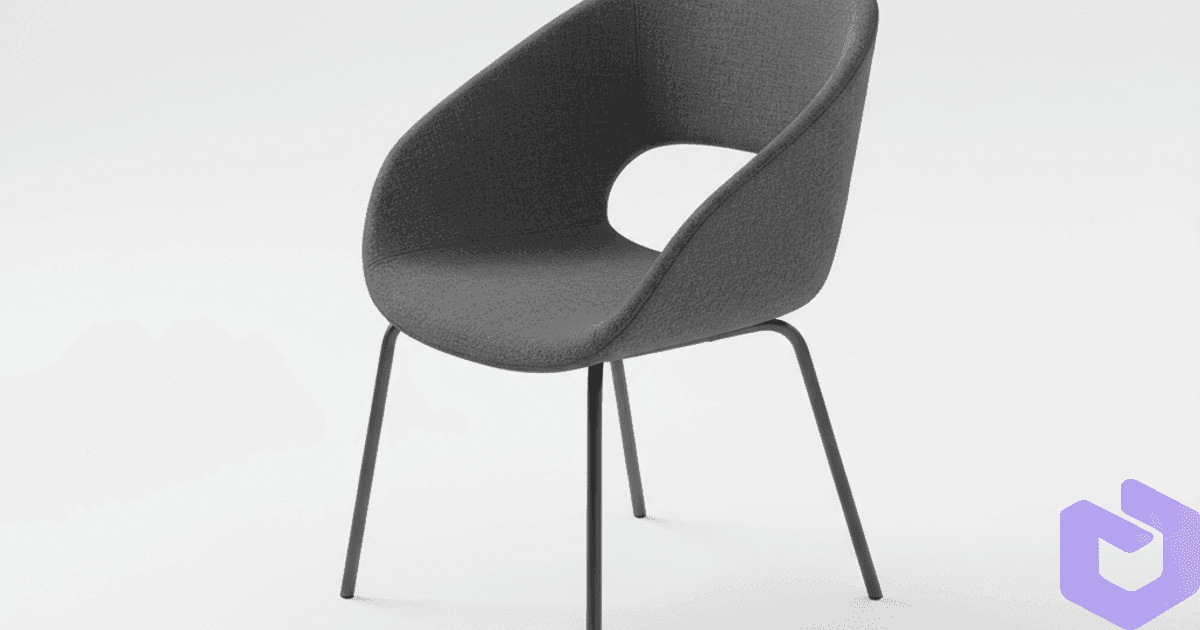
Six months of work in one engine release
If you tried FurniMesh on a curved chair, a glass coffee table, or anything with fine detail six months ago and walked away unimpressed — here's why you should open the generator and try again. The new V2 engine reaches better geometry, sharper textures, and handles object categories we previously asked you to avoid.
The before-and-after that made us ship
Take a real example from our internal test set. Same input photo, V1 versus V2 on the same chair.
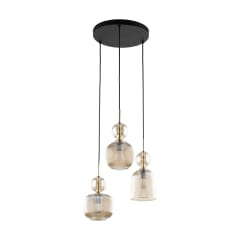
Look at the leg taper, the cushion seams, and where the armrest joins the frame. V1 collapsed those edges into smooth blobs — that's a topology problem, not a texture problem.
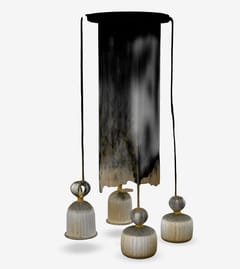
V2 preserves the leg taper, keeps the cushion as a separate volume, and lays down a material boundary at the armrest junction. The fabric weave reads as fabric, not as a fuzzy blur. This isn't just a higher-resolution model — it's a more accurate mesh.
Another sample to drive the point home
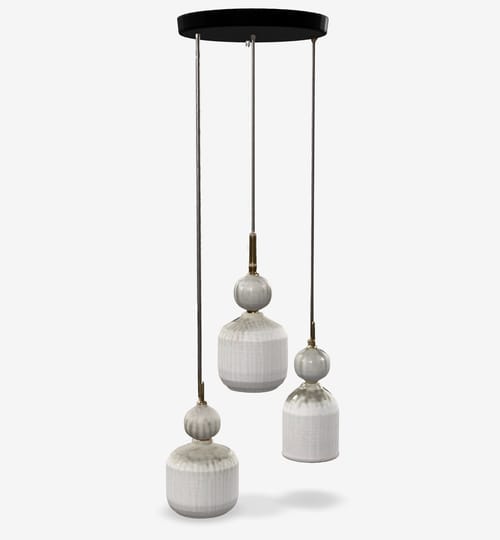
This one is harder than it looks. The inset cushions, the drawer-style separation lines on the side, the pile direction on the upholstery — all of that comes from V2's improved understanding of how furniture is constructed. V1 would have flattened most of it.
What V2 actually changed under the hood
Three layered improvements stack to produce the visible difference:
- Smarter mesh topology. V2's mesh generator decides where to put more polygons based on local geometric complexity. Sharp edges and tight curves get more poly budget; flat panels get less. The total polygon count is similar to V1 but distributed where it matters.
- Higher-resolution textures. V2 outputs at 1024p by default and 1536p on Premium and Pro plans. The 1536p tier matters for close-up renders, AR placement, and any workflow where the camera gets within a meter of the model.
- Better handling of complex shapes. Curved surfaces (turned chair legs, rounded sofa arms), transparent or glossy materials (glass tables, lacquered finishes), and fine detail (stitching, piping, perforations) used to be failure cases. They aren't anymore — V2 either renders them correctly or gives you a clean approximation rather than visible artifacts.
What this means for your workflow
If you're an e-commerce team building 3D product pages, V2 outputs are close enough to studio renders that you can ship them straight to the storefront. The conversion lift from interactive 3D vs. static images is well-documented; the blocker was always the cost of producing the assets.
If you're an architect or interior designer, V2 outputs slot into SketchUp, Blender, or 3ds Max as drop-in replacements for the furniture blocks you'd otherwise model by hand or buy from a 3D asset marketplace. The native .skp and .blend exports skip the format-conversion roundtrip.
If you're a manufacturer building product configurators or AR catalogs, V2's geometric accuracy is the threshold that makes downstream parts-separation (covered in a later post) actually useful.
Generate one V2 model free → no signup required for the first three uploads
A word on texture resolution
The 1024p / 1536p split is the one place where the plan tier shows up in output quality. At 1024p, you get clean textures that look correct at any normal viewing distance and read perfectly on a website or in a renderer at medium zoom. At 1536p, the textures hold up to extreme close-ups, AR placement (where users will get their face near the virtual object), and high-DPI screens.
When V2 still struggles
We're not going to pretend the engine is perfect. V2 still has trouble with:
- Heavily-occluded photos. A chair behind a couch with only its top half visible — V2 will guess the bottom, sometimes well, sometimes oddly.
- Multiple subjects. Two chairs in one photo. The engine picks one; if you wanted both, you need two separate uploads.
- Extreme perspective. A shot from directly above or directly below normalizes worse than a three-quarter view. The image-enhancement pre-processing (covered in the next post) helps here but doesn't fully fix it.
These are edge cases, not common failure modes. Most uploads — phone photos, product shots, screenshots from existing catalogs — work cleanly with V2.
Try it on something hard
The fastest way to see the difference is to feed V2 a photo V1 would have struggled with. A chair with thin curved legs. A glass-and-metal end table. A sofa with deep tufting. The kind of thing you'd previously have shrugged at.
Open your dashboard and generate one →
More Articles
Revolutionary Image to 3D with Parts Separation - Advanced Generation Technology
Discover FurniMesh's breakthrough advanced AI technology that transforms single images into superior quality 3D models with intelligent parts separation for professional workflows.
July 18, 2025
How It Works - FurniMesh
Discover how FurniMesh's groundbreaking Image-to-3D technology transforms furniture design and manufacturing.
January 29, 2025